



Key takeaway: In the open source vs proprietary CMS security debate, open source holds up well in the enterprise space. WordPress keeps vulnerabilities private until a fix is ready, then delivers it through automatic updates by default. With either model, how your team runs the platform is what matters most.
Enterprise security teams often ask us if open source is safe enough. The short answer? Yes.
Truth be told, we’re a WordPress agency, so we’re not totally neutral but we’ll show you our reasoning so you can understand our take.
Keep reading for a full comparison on open source vs proprietary CMS security covering how each model handles vulnerabilities, and what enterprise teams do to keep either one strong.
Is Open Source Less Secure Than Proprietary Software?
No. Maintenance is the real determining factor in a platform’s security level, including how fast fixes ship and how quickly customers apply them.
With open source, your security team and independent researchers can inspect the code, and a global community of contributors reviews it continuously. That review feeds a structured process for reporting and fixing vulnerabilities, described below.
How WordPress Handles Vulnerability Reports
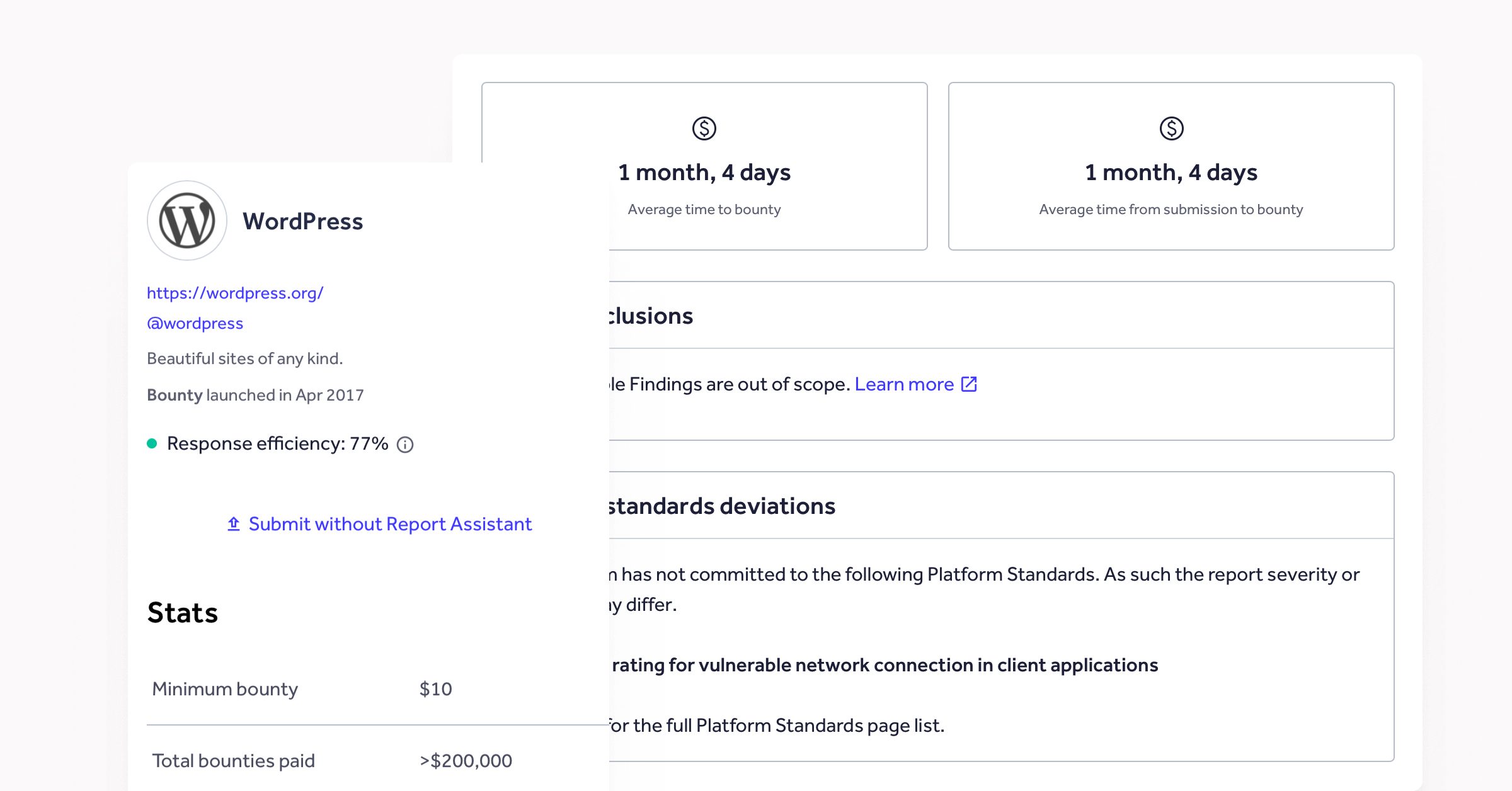
Researchers report most vulnerabilities privately, through the WordPress Security Team and its HackerOne program. The team verifies each report and triages it in a private workspace, separate from public development tools.
The team ships critical fixes as standalone security releases while lower-severity fixes wait for the next scheduled release.
For serious issues, major hosts and security vendors get advance notice. Protection can be in place before the fix goes public. WordPress 7.0.2, released in July 2026, shows this working. The security team worked with hosts and CDN providers to put mitigation in place across tens of millions of sites before the release went public.
Once a fix ships, the team publishes an advisory that credits the researcher. Serious issues may also receive a CVE, which lets enterprise vulnerability-management tools track them consistently. Sites with automatic background updates, the default for minor and security releases, can receive the fix within hours without anyone taking action. Our post on how a WordPress security release happens walks through each stage.
WordPress is one of the most widely used technologies on the internet, so its vulnerabilities get announced and discussed in public. That can make it appear as though WordPress has more issues than other platforms but that’s really just a side-effect of transparency. A global community of contributors and security researchers reviews the code continuously.
What Vendor-Managed Platforms Do Well
Proprietary CMS vendors offer a single accountable company and a contract that defines responsibilities. Many also manage patching for you, which suits teams with limited security capacity.
The main difference from open source is how much your team can see. With a proprietary platform, you rely on the vendor’s advisories to learn what each fix changed, and you usually can’t inspect the code to check for yourself.
Open Source vs Proprietary CMS Security: Side by Side
| Factor | Open source (e.g. WordPress) | Proprietary |
|---|---|---|
| Code visibility | Your team and independent researchers can inspect it | Limited to the vendor and approved parties |
| Vulnerability handling | Private triage, then a public advisory after the fix | Varies by vendor |
| Patch timing | Fixes ship quickly, and automatic updates can apply them | The vendor sets the schedule |
| Who applies the fix | Your team or agency, or automatic updates | Often the vendor, depending on the contract |
| Third-party code | Plugins and themes need review before launch | Add-ons and integrations need the same review |
| Independent verification | Your team can test and audit directly | Depends on what the vendor allows |
| Accountability | Shared between your team and your agency or host | Concentrated with the vendor |
| Exit options | You can change agency or host and keep the platform | Changing vendor might mean replacing the platform |
Four Ways Enterprise Teams Keep WordPress Protected
Open source gives you control. Enterprise teams use it in four ways.
- Test updates in staging before they reach production. Enterprise teams often control automatic updates so that regression testing and change control happen first.
- Review plugins and themes before launch, and again at each major update. WordPress plugin security starts with deciding which code you allow.
- Give each user and integration the minimum access it needs, and review permissions regularly.
- Name an owner for patching and another for incident response.
Our WordPress security page explains more about how we handle security on client platforms.
Questions to Ask Any Vendor or Agency
These questions work for open source and proprietary platforms. For more useful questions to ask when in the prospecting stage of agency selection, check out our article on questions worth asking before choosing a WordPress agency.
- How do you handle vulnerability reports, from first report to fix?
- How fast do you patch, and who applies the fix?
- How do you vet third-party code?
- What audit trails and monitoring exist?
- Who owns incident response, and what are the response times?
How AI Is Raising the Value of Fast, Coordinated Patching
AI agents can now exploit known vulnerabilities quickly, so the time between a published fix and a protected site matters more. This is why WordPress keeps unpatched issues in a private workspace and gives hosts advance notice. It’s also why automatic updates narrow the gap.
Teams also need to know how their agency uses AI on their codebase. We cover this in how WordPress agencies use AI and what clients should ask.
Next Steps for Enterprise Security Teams
To conclude, when it comes to open source vs proprietary CMS security, both models can meet enterprise requirements. WordPress adds transparency, a mature disclosure process and exit options. Your choice depends on your team’s capacity to run the platform, or to work with an agency that does.
If you’re weighing up that decision, The Definitive Guide to Enterprise WordPress Security goes deeper into the governance and operational practices that keep a platform secure. Its self-scoring maturity assessment shows where your organisation stands today and where to improve next.
FAQ: Open Source vs Proprietary CMS Security
Yes, when the platform gets patched promptly and governed well. Open source adds public review and a mature disclosure process. Your team still decides how quickly it applies updates and who has access.
Yes. WordPress handles serious vulnerabilities privately and gives major hosts advance notice before a fix goes public. Enterprise teams add staged updates and controlled permissions on top.
Not automatically. They offer a single accountable vendor and often managed patching. You get less visibility into the code and into what each fix changed. Either model can be secure with good maintenance.
Responsibility is shared. The WordPress Security Team handles core vulnerabilities. Your agency or internal team looks after your implementation, and your host looks after the infrastructure. Name an owner for each.
Yes. No single vendor owns the platform, so you can change agency or host and keep it. Proprietary platforms often have several implementation partners too, but changing vendor means replacing the platform.