



WordPress security governance covers the decisions an organisation makes about who owns its platform, who can access it, how the software it depends on stays up to date, and which third parties and AI tools connect to it. In the enterprise estates we audit, most security incidents trace back to one of those decisions.
At Human Made, we work with global publishers, government departments and large enterprises. Across all of them, the organisations with the best security outcomes treat security as something the whole business maintains over time. Their results come from clear ownership, regular access reviews and a defined process for handling change.
This article explains where enterprise security risk starts, why it belongs to the whole business, and how to measure your organisation’s maturity. If you want the practical side first, our WordPress security page covers how Human Made secures enterprise platforms.
Is WordPress secure enough for enterprise organisations?
Yes, when organisations deploy and operate it to meet their security requirements. Many enterprise organisations run WordPress, including major publishers, universities, government agencies and financial services organisations such as Standard Chartered. Those platforms stay secure because their teams patch on a schedule, review who has access and control what gets installed.
WordPress does attract more public discussion of vulnerabilities than most proprietary platforms. That’s partly a matter of scale: it is among the most popular technologies on the web, so more people examine it. It’s also because when someone has fixed a reported issue in core, the WordPress Security Team publishes the details alongside the release. How a WordPress security release happens walks through that process from report to patch in more detail.
A proprietary CMS with the same number of flaws would rarely show them in the same way, because its review happens inside one vendor and customers depend on what the vendor chooses to disclose. A count of public disclosures measures scrutiny. To judge safety, you need to know how quickly fixes ship and how quickly installations apply them.
For an enterprise, the useful test is practical: can the organisation see every system the platform touches, name who manages each one, and respond when something changes?
Where do enterprise security risks come from?
Most security incidents on enterprise platforms start outside the CMS core. A typical estate depends on hosting infrastructure, third-party services, CRM and marketing integrations, analytics, custom code, user accounts and, increasingly, AI applications. Each of those adds a point of exposure.
In WordPress environments, most of the risk falls into four categories.
Third-party software
Plugins, integrations and external services usually carry the largest share of risk. A plugin that its developer maintained well at installation can lose that developer two years later, and an integration added for one campaign can stay connected long after the campaign ends. Without a review process for new additions and a record of what already runs, dependencies accumulate faster than anyone can assess them.
Access management
Enterprise sites rarely have only a handful of administrators. Editorial teams, marketers, regional teams, developers and external agencies all need some level of access, and permissions tend to grow. An agency keeps its login after a project closes, or an editor receives administrator rights to fix one problem and keeps them for years. Any of those accounts could give an attacker a route in.
Operational discipline
Delayed updates, undocumented customisations and unclear ownership weaken a platform gradually. They rarely look urgent on their own, so they tend to persist.
AI tools and new data flows
Teams now connect AI services to content repositories, customer data and internal systems, often quickly and sometimes without central approval. Each connection raises questions about what data the tool can read and where it goes, and about which vendor is now responsible for it.
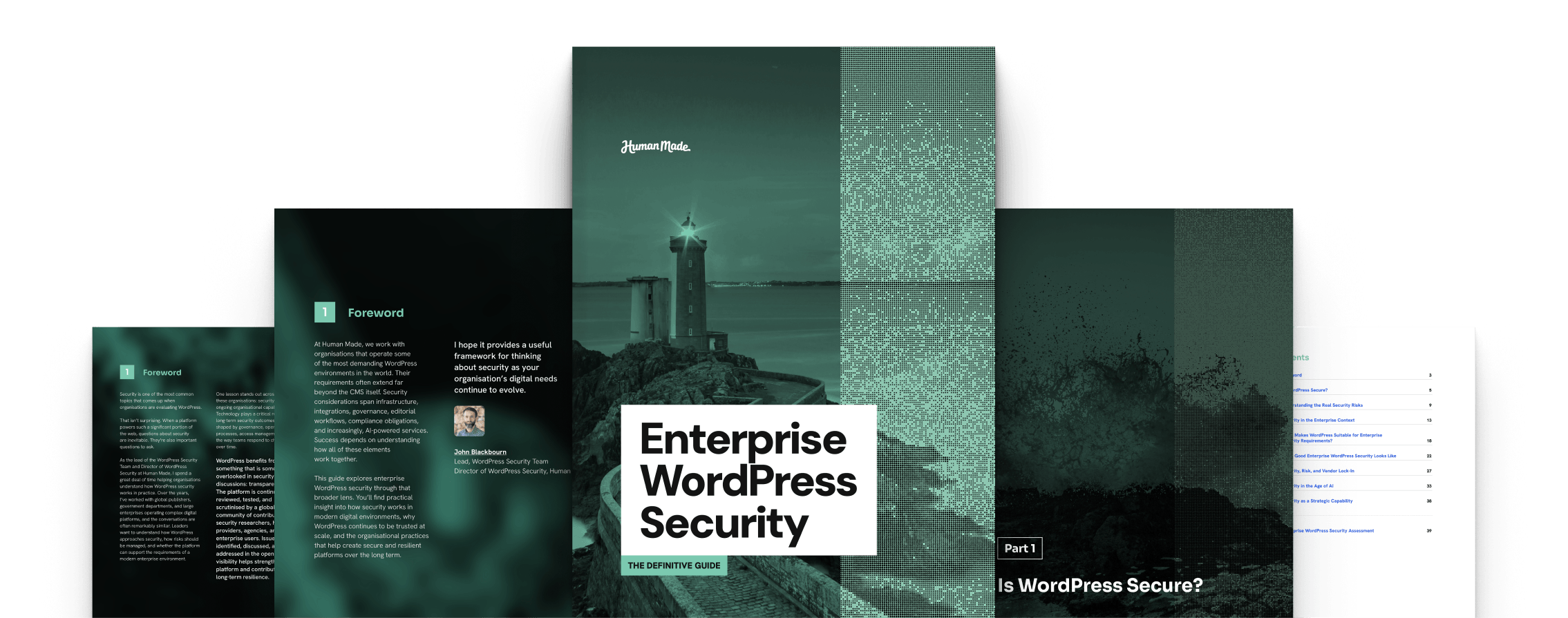
With the right processes, an organisation can manage all four, and it would face the same four on any other CMS. Our Definitive Guide to Enterprise WordPress Security covers each of these risk areas in more depth, including the operational gaps that tend to build up unnoticed.
Why does WordPress security governance belong to the whole organisation?
Most security failures start with people and processes that no single technical team controls. Marketing chooses tools, regional teams commission microsites, procurement signs agency contracts and legal sets data-handling obligations. When IT alone owns security, every one of those decisions happens without it.
The consequences also reach well beyond IT. A breach on a public platform can trigger regulatory reporting, take revenue-generating services offline, and damage trust with customers and partners. Those outcomes land with the executive team, the board and the compliance function. Treating security as a business capability means the people who carry those consequences also help manage the risk.
In large digital estates, the problem is easy to see. An enterprise might run a main website, a dozen regional platforms, campaign microsites and an internal publishing environment, often on WordPress Multisite. When each owning team secures its property on its own terms, standards drift. One site might enforce single sign-on while another relies on shared passwords, or one team reviews plugins before installing them while another installs whatever the agency recommends. Over time, gaps open up between teams that nobody is responsible for.
WordPress suits this model because organisations can bring it inside their existing security frameworks. Teams choose their own hosting, connect the platform to their identity provider, apply their own access policies and run it through their own audit processes. That makes it possible to set one security standard and apply it across every property in the estate.
What does good WordPress security governance look like?
The organisations with the strongest results tend to have three things in common: named ownership, security built into normal delivery, and standards that apply across every site they run.
Named ownership
Uncertainty over who is responsible for what causes many security problems. As platforms grow, integrations get added and staff and priorities change, so decisions about patching, access reviews or vendor risk fall between departments and wait.
Strong organisations assign that responsibility explicitly, across technology, marketing, operations and external partners, and back it with identity and access management. WordPress supports this through its built-in roles and capabilities, and organisations can add single sign-on with their identity provider using a plugin or a platform layer such as Altis. Each person’s permissions then match their job, and administrators can revoke them centrally when that person leaves.
Security built into delivery
Security checks run on every change throughout a project. Automated scanning flags vulnerable plugins, themes and code while developers are still working on them, when an issue costs far less to fix than one found in a pre-release audit. Releases stop stalling on late reviews, and developers come to treat security as part of their own work.
Shared standards across every site
Shared standards and access control policies give multi-site organisations consistency without forcing every team into the same workflow. A central team defines the baseline: approved plugins, update windows, authentication requirements and the review process for new integrations. Regional and brand teams then build what they need on top of that baseline, and the central team can still see what’s running across the estate.
How does vendor lock-in affect WordPress security governance?
Dependence on a single vendor limits how quickly an organisation can respond when its security requirements change, and procurement teams often miss that cost.
Proprietary platforms often feel easier to govern. One contract covers the software, the infrastructure, the support process and the security controls, so the organisation knows who to call. It may have far less visibility of how the platform works internally, how the vendor handles vulnerabilities, or when a fix will ship, so its security posture rests partly on what the vendor chooses to disclose.
With WordPress, anyone can read and review the codebase. The WordPress project also works closely with some of the largest web hosts, network providers, CDNs and security research institutions, which gives it access to expertise no single vendor employs. Security teams can therefore read the code they are responsible for, follow how the project resolves issues, and make decisions from evidence.
That control becomes important when requirements change. A new regulation, an acquisition or an AI integration can each create security needs that didn’t exist when the contract was signed. On a closed platform, the organisation has to wait for the vendor’s roadmap to catch up, whereas on an open one it can change its hosting, architecture or processes on its own timetable.
The wider WordPress ecosystem helps here too. Enterprises can choose between many hosting providers, agencies, security specialists and support partners. If one relationship stops working, they can end it without replacing the platform or rebuilding their governance.
How is AI changing WordPress security governance?
AI increases the number of systems that can read an organisation’s content, knowledge and customer data, so security teams need a record of which tool connects to which system, and what it can read
Most AI tools need access to data to be useful. A content assistant draws on the editorial archive, a support agent on customer records, and a search tool on internal documentation. Information that used to stay inside one well-governed system now travels to several, and some of those systems are run by vendors the security team has never assessed.
A team might trial a tool to speed up production, find it helpful, and connect it to more systems before anyone asks what it can access. Repeat that across departments and the organisation loses track of where AI is in use and what data it touches.
Organisations should bring AI tools under the same governance as the rest of the platform, before those tools go live. For every AI tool in use, an organisation should know what information it can reach, who is accountable for it, and what risk assessment took place before anyone connected it.
WordPress gives security teams a solid basis for those answers. Its capability-based permissions model is granular and extensible, so administrators can give an AI integration exactly the access it needs and nothing more. Our WordPress AI page covers how Human Made approaches these integrations.
For a structured way to benchmark your organisation’s security maturity, download The Definitive Guide to Enterprise WordPress Security. If you’d like a second opinion on your platform and governance, talk to us about a WordPress security audit.
FAQ: Enterprise WordPress security governance
Yes. Publishers, universities, government agencies and financial services organisations run WordPress at enterprise scale. Like any CMS, its security depends on how teams host, govern and maintain it. Because its codebase is open, anyone can review it, and the WordPress Security Team publishes details of each vulnerability once it has been fixed.
The largest risks are third-party plugins and integrations, permissions that grow without review, delayed updates and unclear ownership, and AI tools with unchecked access to company data. Good WordPress security governance manages each of them.
It means the whole organisation shares ownership of security, including the teams that choose tools, commission sites, manage vendors and handle data, with clear accountability at each point. IT still runs the technical controls, while the rest of the business takes part in the decisions that create or reduce risk.
No. Anyone can review open-source code, and fixed vulnerabilities are disclosed publicly. With proprietary software, review happens mostly inside the vendor and customers rely on that vendor to disclose problems. A higher count of published vulnerabilities usually means more people are reviewing the code.
Keep a record of every AI tool in use, assign an owner to each, and assess what data it can reach before anyone connects it. Then grant each integration the minimum access it needs through the CMS’s permissions model, and review those connections as regularly as user accounts.