


Is WordPress secure enough for enterprise? We hear that question a lot, and the short answer is yes.
The longer answer depends on how your organisation runs its platform, and that’s what this issue is about.
Most security problems we see in enterprise audits start with everyday decisions, like who gets access or which tools get connected. This month’s articles look at how to keep those decisions in check, from governing AI tools to choosing a CMS.
Let’s take a look.
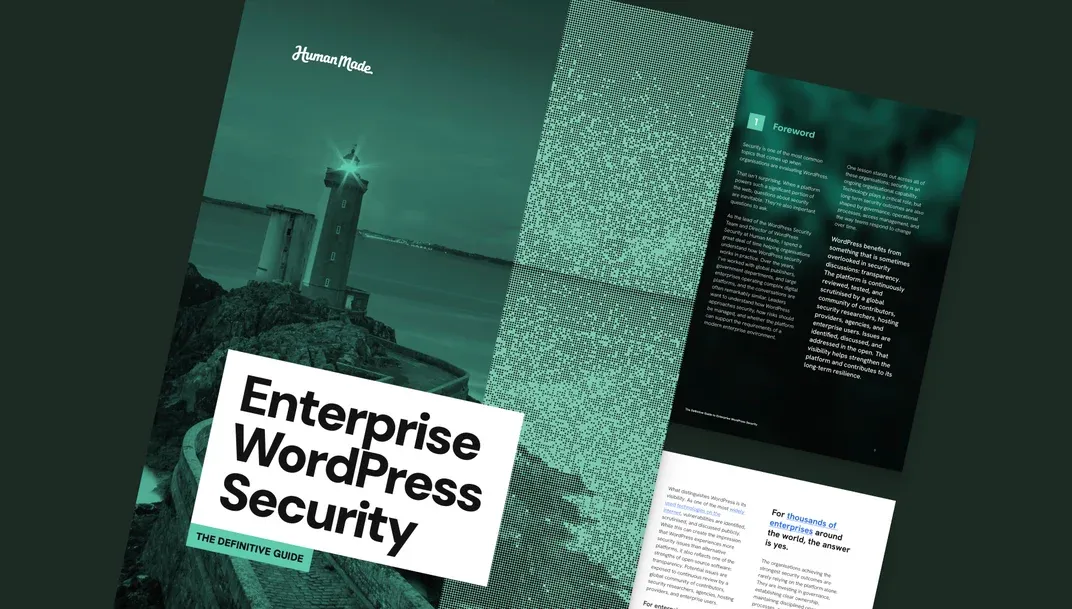
The Definitive Guide to Enterprise WordPress Security
Preparing for a compliance review, or taking a harder look at a platform you already run? This guide gives you a place to start.
It explains which security myths are worth dropping and where operational gaps tend to open up over time. It’s written for teams who need to make the case for change, and built to use in audits and leadership briefings.

7 Steps to Bring AI Tools Under Security Governance on WordPress
AI usually arrives on a site through small, separate decisions, like an editor trying a new writing assistant or a developer connecting a model to the codebase. Before long, nobody has a full list of what’s running.
This article sets out seven steps to get them back under control, from sorting each tool by risk to making sure a person still signs off on what AI produces.

Security Is a Business Capability, Not a Technical Function
Marketing picks its own tools and procurement signs agency contracts, usually without IT in the room.
Across a large estate, that’s how standards drift until one site uses single sign-on and another runs on shared passwords. We explain how a central baseline keeps every team consistent without forcing them into one workflow.

Open Source vs Proprietary CMS Security
WordPress is one of the most widely used technologies on the web, so its vulnerabilities get discussed in public. From the outside, that openness can look like risk.
We look at how serious fixes reach hosts before they’re announced, and the questions worth asking any CMS vendor about security.