

WordPress download
Headless WordPress: The definitive guide for enterprise organisations
Moving to a headless CMS can be a great move for organisations with large teams, keen to deliver omni-channel experiences for their users. This guide looks at what a headless CMS is, explores the advantages and disadvantages, and helps you decide if it’s right for you.
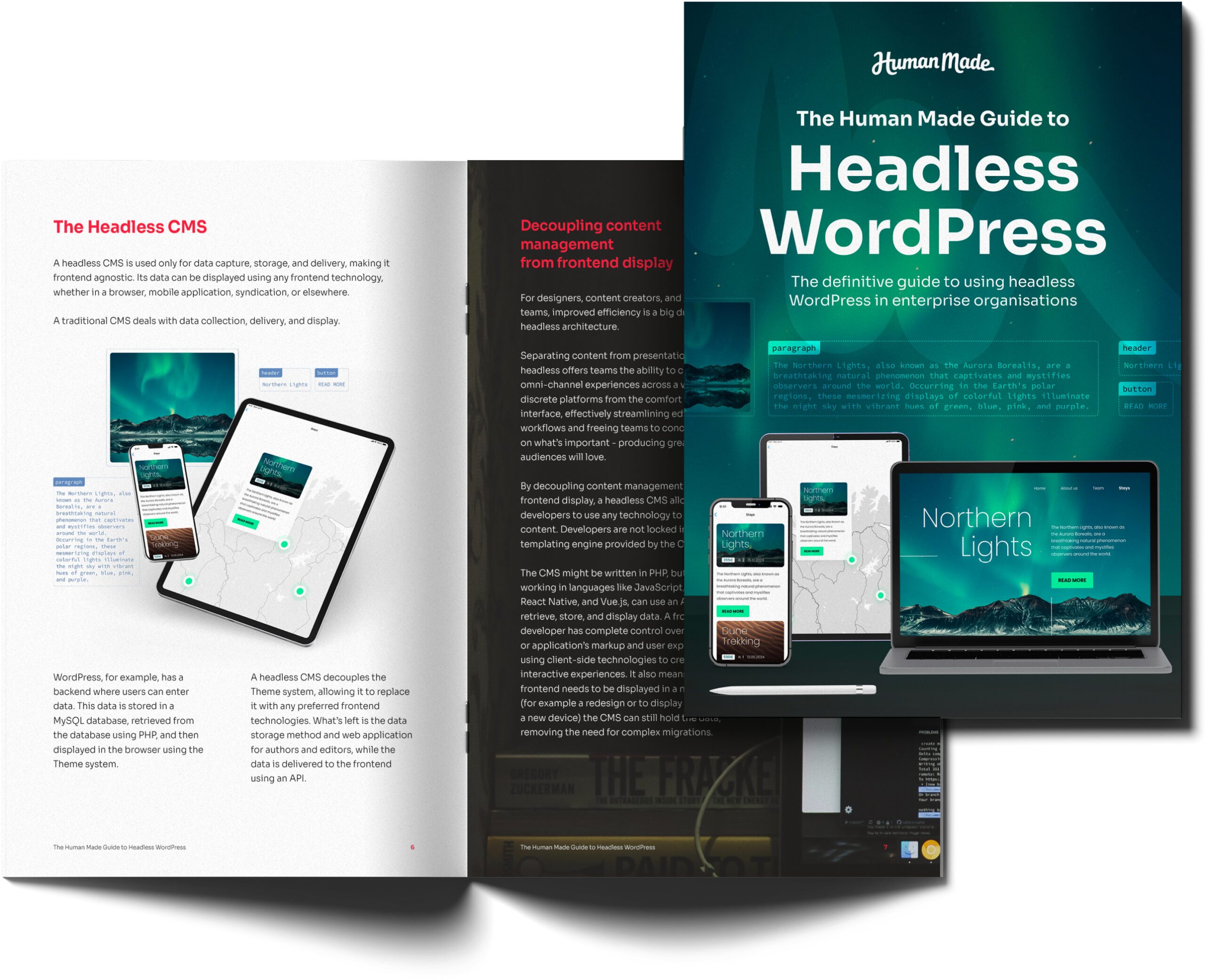

This guide to headless WordPress will help smooth your path towards building a high-performing headless CMS experience”

Tom Willmot
CEO, Human Made
What is a headless CMS? Should you build one?
Enterprise brands from across many different industries have deployed headless CMS solutions to power their omni-channel presences and give their teams more flexibility over content output.
Download this guide to find out:
- How Human Made has helped TechCrunch and Fairfax Media to go headless
- What a headless CMS is
- How a headless CMS works
- How the REST API powers headless WordPress
- The advantages and disadvantages of going headless
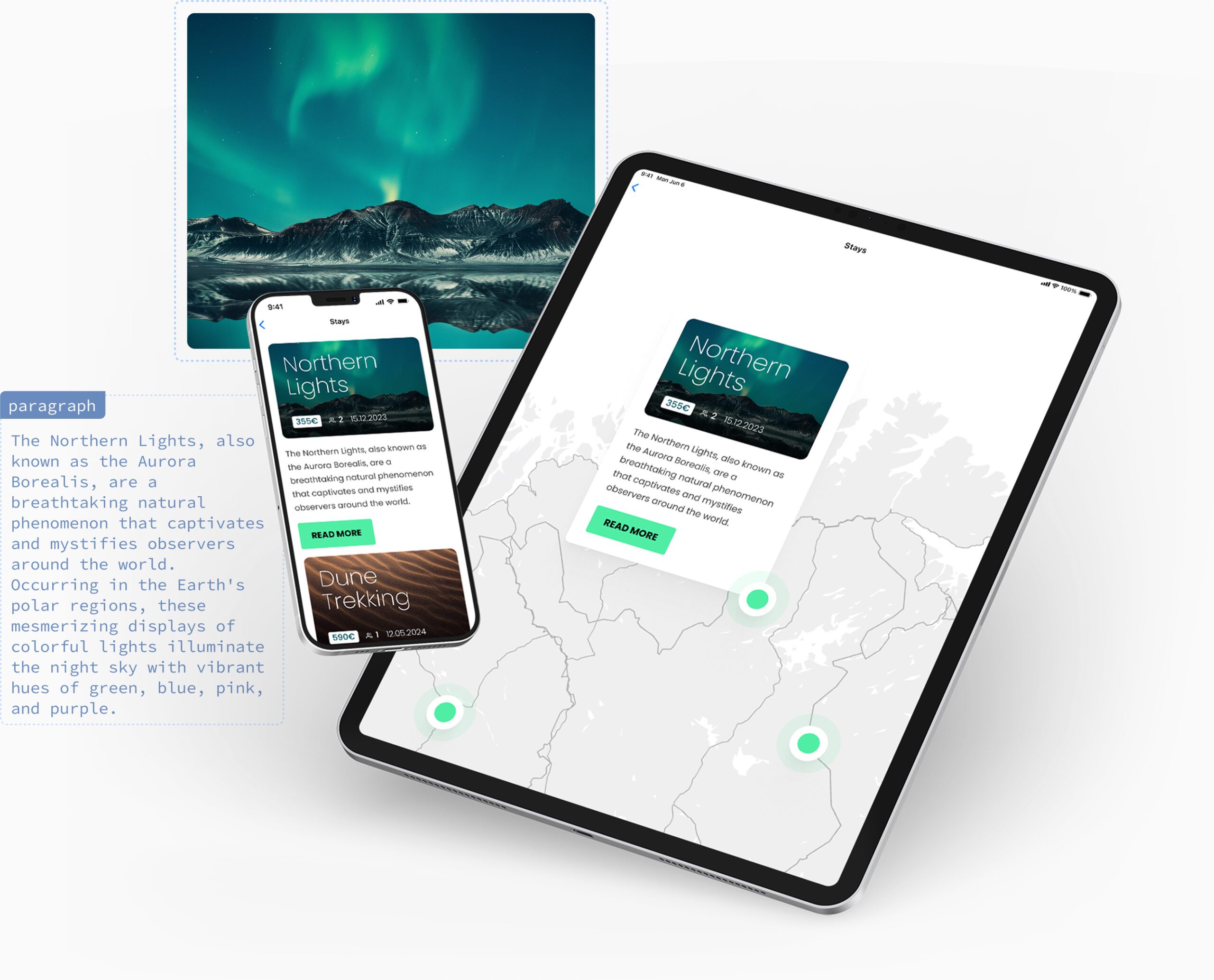
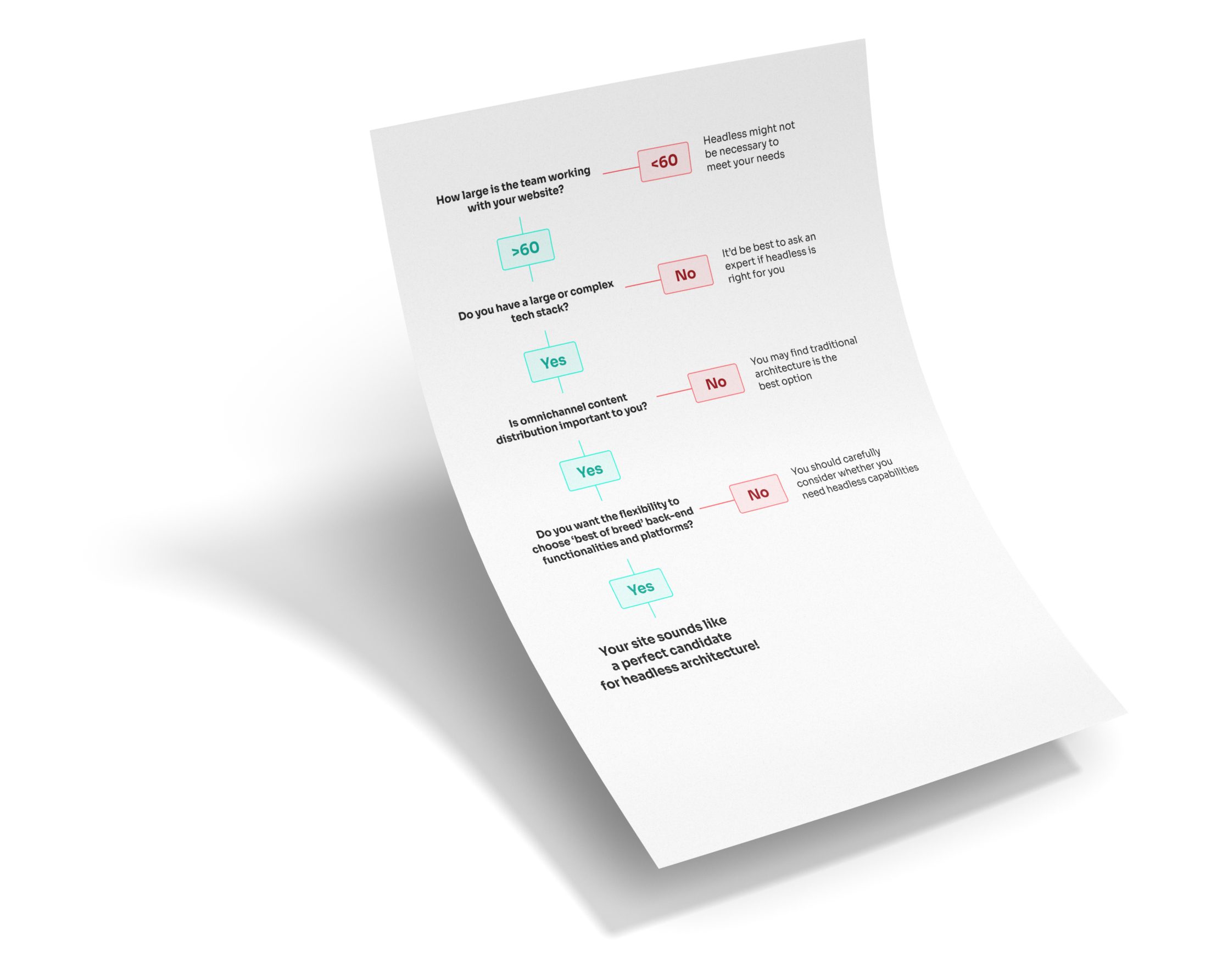
Is a headless CMS right for you? Read the guide to find out
There’s a lot to consider before deciding whether or not headless architecture is the best choice for your specific requirements, but our handy decision tree can help you tick some of the biggest boxes.
Download the guide to determine the right move for your website.

Headless architectures provide technology teams with unique methods
and approaches to tackle challenges. Our years of experience, including building the REST API itself, mean we have the experience to know how to tackle the challenges of building these types of websites head on.

Ryan McCue
Director of Product, Human Made
Latest and Greatest
Read our latest blog articles
Learn the latest and greatest in WordPress site building. We’re offering tutorials, tips and tricks, and video walkthroughs on our blog.
-

Security is a business capability, not a technical function

WordPress security governance covers the decisions an organisation makes about who owns its platform, who can access it, how the software it depends on stays up to date, and which third parties and AI tools connect to it. In the enterprise estates we audit, most security incidents trace back to one of those decisions. At…
-

7 Steps to Bring AI Tools Under Security Governance on WordPress
Without governance, unapproved AI tools will creep into your WordPress site over time, often through a series of small and seemingly innocuous decisions. Whether it’s an editor who wants to try a new assistant, or a developer who connects a model to the codebase, it’s natural for your team to want to adopt the tools…
-

Open Source vs Proprietary CMS Security: What Enterprise Teams Should Know
Key takeaway: In the open source vs proprietary CMS security debate, open source holds up well in the enterprise space. WordPress keeps vulnerabilities private until a fix is ready, then delivers it through automatic updates by default. With either model, how your team runs the platform is what matters most. Enterprise security teams often ask…