


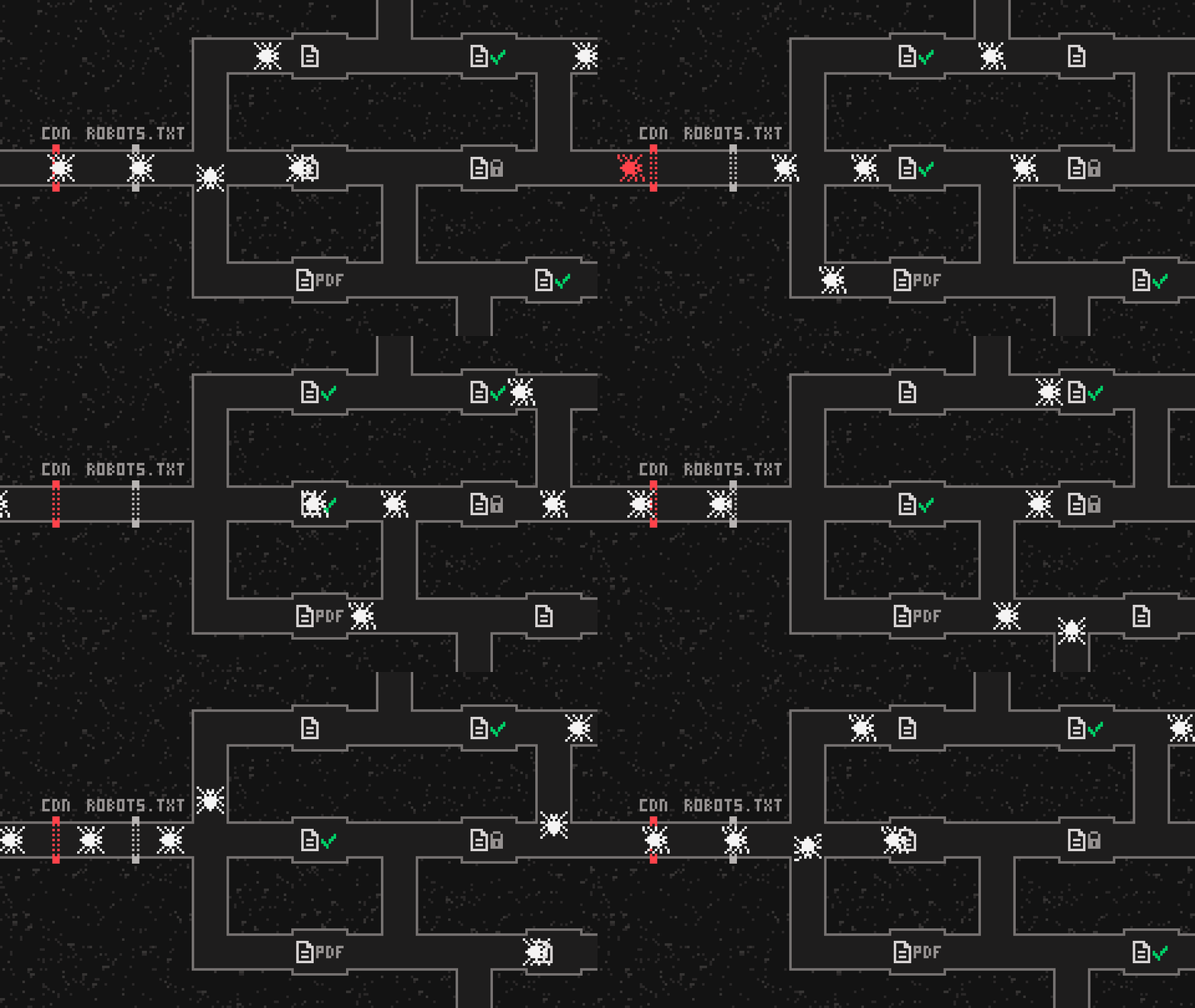
An AI search audit answers three questions. First, can AI crawlers reach your site? Second, have you decided which ones to let in? And third, can AI tools understand your content well enough to describe your organisation accurately?
Most enterprise teams haven’t asked them yet. In the 2026 AI Readiness Report, only 7% of enterprise marketing and digital leaders said AI has improved their reach or discoverability. However, 23% have made AI search a priority for the next 12 months. That matters, because more people now meet a brand through an AI-generated answer before they reach its website.
You don’t need to be technical to run this audit. Each step below explains what to look for, then ends with the question to ask whoever manages that part of your site.
1. Decide what you want AI crawlers to do
AI companies send different crawlers for different jobs. Some collect content to train AI models, while others index pages so AI tools can cite them in answers. For example, OpenAI uses GPTBot for training and OAI-SearchBot for ChatGPT search, and you can allow one without the other. Anthropic does the same with ClaudeBot and Claude-SearchBot.
So start with a decision. Do you want to appear in AI answers? Are you comfortable with AI companies using your content for training? Agree the answers with marketing, legal and whoever owns the platform. Then write them down with a date to review them.
Ask your team: Do we have an agreed position on AI crawlers, and who owns it?
2. Check your robots.txt for AI crawlers
Your site’s robots.txt file tells crawlers what they can access, and on many sites someone set it up years ago without AI in mind. However, robots.txt isn’t the only gatekeeper. Your CDN, host or security tools can also block AI crawlers before they reach the site, whatever robots.txt says. In fact, some CDNs and hosts now block certain AI crawlers by default, so your site may be turning them away without anyone deciding to.
Because of this, it’s common to find these layers disagreeing with each other, or with the decision you made in step 1.
Ask your developer or host: Which AI crawlers are we allowing or blocking today, and at which layer?
Try it
Who gets through?
Show matching robots.txt
3. Find out which crawlers actually visit
Settings describe what should happen. Your server logs or bot analytics, on the other hand, show what actually does: which AI crawlers visit, how often and which pages they read. A visit doesn’t guarantee that AI tools cite your content, but if crawlers never visit, they almost certainly don’t. It’s also worth checking whether crawlers spend their time on your most important pages or on archives and old campaign pages.
Ask your host: Can we see AI crawler activity on our site, and is anything we expected missing?
4. Make sure your content can be read
Most WordPress sites render full pages on the server, which suits crawlers well. Problems tend to appear in the exceptions: content that only loads after a page’s scripts run, key details locked in PDFs or images, and information behind a login. If you run a headless WordPress front end, ask how it renders its pages.
Ask your developer: Do crawlers that don’t run scripts miss any of our important content?
Try it
Read a page like a crawler
Heat pump installation
Heat pumps installed across Yorkshire.
Loaded by a script
Text inside an image
Inside a PDF
Behind a login
Readable facts
Fixes
5. Review how your content is structured
Once crawlers get in, AI tools still have to work out what your content means. Yet only 18% of enterprise teams describe their content as fully structured, according to the 2026 AI Readiness Report. In WordPress, good structure means storing product and service information in consistent fields, using clear categories and tags, and writing pages where each section answers one question. For example, if every page describes your pricing, specifications or locations differently, an AI tool has to guess which version is right.
You may also hear about llms.txt, a file intended to summarise your site for AI tools. Google has said it doesn’t use llms.txt, and its AI optimisation guide is clear that you don’t need special files to appear in its AI features. In short, it does no harm, but it shouldn’t come before structure.
Ask your content team: Could an AI tool find our key product and service facts without a person explaining them?
6. Test your AI search visibility
Next, ask ChatGPT, Claude, Perplexity and Google’s AI Mode the questions your customers ask, such as what your organisation does, how you compare with a competitor and what a service costs. Note whether you appear, whether the answer is accurate and which pages each tool cites. When an answer is wrong, the cause usually traces back to an earlier step: a blocked crawler, content that crawlers can’t read, or facts your site doesn’t state clearly anywhere.
Finally, keep the results as your baseline. Only 12% of teams in the report can measure AI’s impact very effectively, so this is a simple place to start.
Ask your team: Who will run these tests each quarter and track the answers over time?
Make it a regular check
Crawlers, defaults and AI tools change often, so a quarterly AI search audit with a named owner works better than a one-off project. The deeper fixes, in content structure and platform, take longer. The 2026 AI Readiness Report found these are the two weakest areas of AI readiness, and we’ve written about why in why AI is exposing weaknesses in enterprise platforms.
To see how your organisation compares, download the 2026 AI Readiness Report and use the two-minute self-score. If you’d like help with your AI search audit, our team runs WordPress audits for enterprise sites.
FAQ: Auditing WordPress for AI Search and AI Crawlers
It depends on your goals. Blocking search crawlers removes your site from those AI tools’ answers. Blocking training crawlers stops AI companies collecting your content for model training. Most organisations that want AI visibility allow search crawlers and decide on training separately.
No. GPTBot collects content for training. ChatGPT search uses a separate crawler, OAI-SearchBot, so you can block one and allow the other.
Google says you don’t need files like llms.txt to appear in its AI features. It’s quick to add and does no harm, but clear, well-structured content matters more.
Every quarter. Crawler names, platform defaults and AI tools change often, and a regular AI search audit catches problems before they affect your visibility.