

Downloadable guide
WordPress Multisite: The Definitive Guide
Managing a growing portfolio of websites doesn’t need to be complex or costly. Whether you’re overseeing dozens of regional marketing sites, supporting departments across a global organisation, or consolidating editorial brands, WordPress Multisite can help you scale smarter.
This in-depth guide explores how WordPress Multisite works, the benefits it brings to enterprise teams, and when it’s the right solution for your digital estate.
This form may not be visible due to adblockers, or JavaScript not being enabled.
Ad blockers may block the form from loading. If you can’t disable your ad blocker, please contact us at hello@humanmade.com.
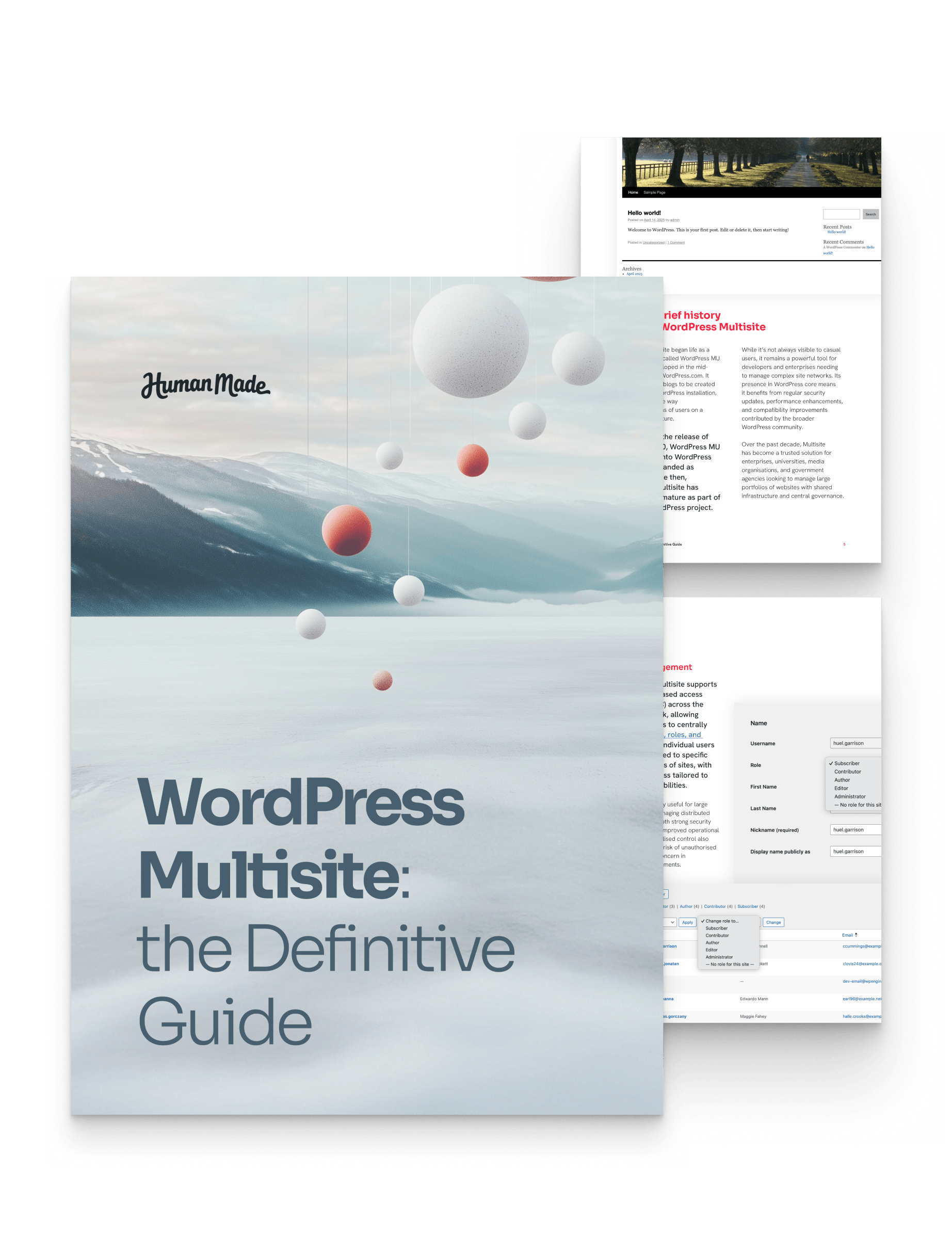
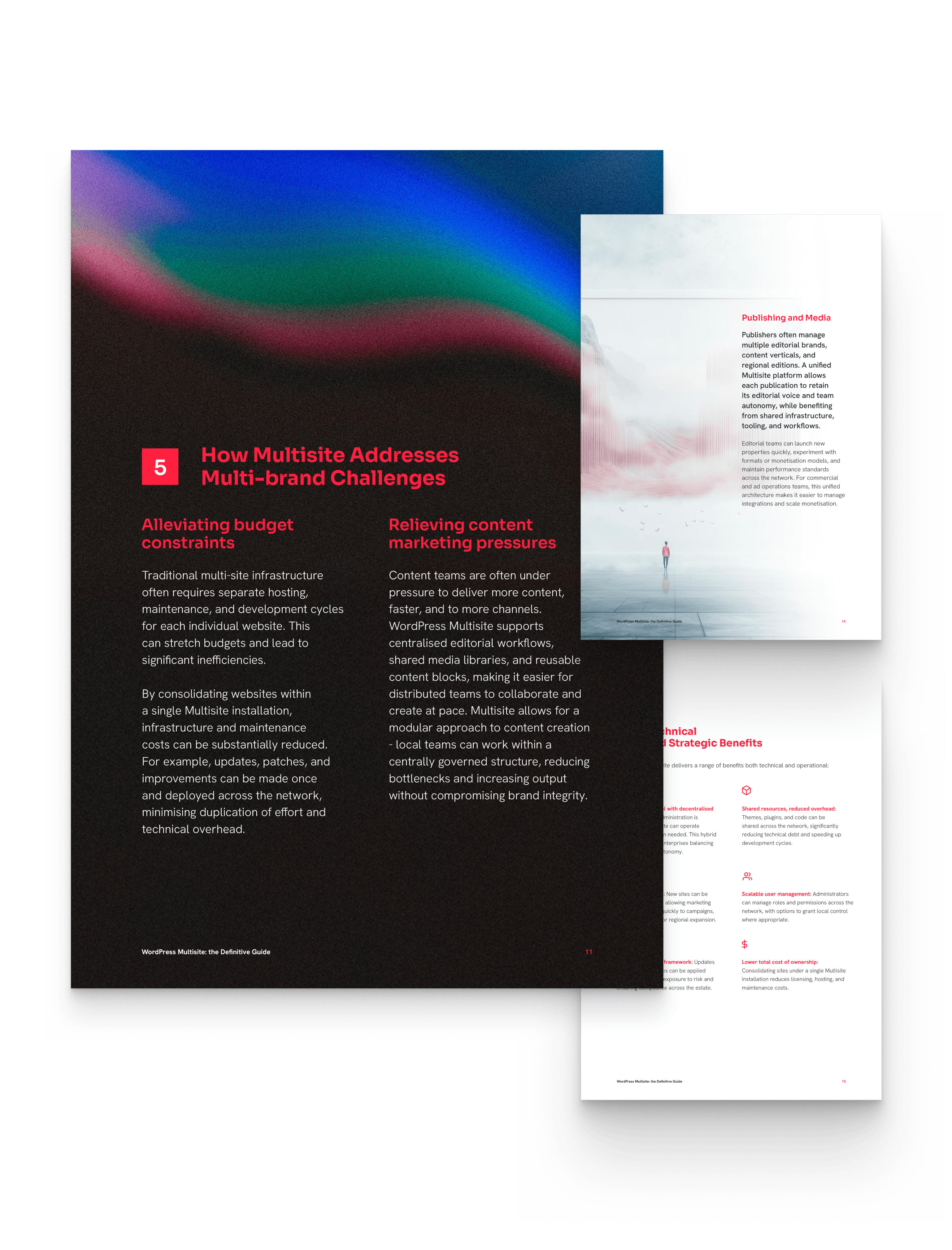
Everything enterprise teams need to know about managing multiple websites efficiently with WordPress.
This guide is designed to help you:
- Understand exactly what WordPress Multisite is and how it works
- Evaluate its suitability for your organisational and technical requirements
- Identify opportunities to reduce cost, complexity, and duplication
- Streamline publishing workflows across multiple teams or regions
- Build for scale with central governance and decentralised flexibility
- Avoid common mistakes during implementation and migration
Packed with insights from years of real-world experience and successful enterprise Multisite implementations, this guide is essential reading for digital leaders, technical teams, and procurement stakeholders evaluating WordPress at scale.
Helping enterprise teams scale the right way
WordPress Multisite offers a proven, scalable way to manage multiple websites through a single platform. But knowing when and how to adopt it — and how to implement it well — is key to unlocking its full potential.
Whether you’re from a university, financial institution, media company, or public sector body, this guide gives you the practical insights you need to make an informed decision about WordPress Multisite — and to do it with confidence.
The guide is designed for:
- Web and content teams facing increasing pressure to deliver faster
- Procurement teams exploring enterprise-grade open source CMS options
- IT and engineering leads assessing WordPress architecture at scale
- Digital operations managers looking to improve publishing workflows
- Marketing and brand teams seeking greater design consistency
Latest and Greatest
Read our latest blog articles
Learn the latest and greatest in WordPress site building. We’re offering tutorials, tips and tricks, and video walkthroughs on our blog.
-
Enterprise WordPress Security Is Really About Decision Making

Enterprise WordPress security is often discussed in technical terms. Keep software up to date. Strengthen authentication. Monitor vulnerabilities. Choose secure infrastructure. Follow security best practices. They’re all sensible recommendations. The difficulty is that very few enterprise platforms become more or less secure because of a single technical decision. They change gradually as the organisation around…
-
WordPress Security and AI: the Attack Surface Is Expanding
Every month, enterprise organisations connect more AI systems to their digital estate. For organisations running WordPress at enterprise scale, these new services are changing the security landscape. AI assistants, content generation tools, developer agents, search experiences, and workflow automations increasingly interact with WordPress content, APIs, and business systems. Each new integration creates opportunities for innovation…
-
Why Enterprise WordPress Is Built for the AI Era
Artificial intelligence is rapidly becoming part of enterprise operations, and enterprise WordPress is no exception. Marketing teams are using AI to accelerate content production. Editorial teams are experimenting with summarisation, tagging, and content enrichment. Customer experience teams are exploring personalisation and recommendation engines. Internal teams are using AI to improve search, knowledge management, and workflow…