


A practical guide to the terminal coding agent landscape in early 2026.
Just a year ago, most conversations about AI-powered development tools started and ended with Claude Code. Today, every major AI company has a coding agent, open source alternatives are flourishing, and new entrants seem to appear every week.
That’s exciting for developers. It’s also made choosing a tool significantly harder.
Before we get into the list, it’s worth clarifying the scope of this article. This isn’t a guide to every AI development tool on the market. It’s specifically a look at terminal-based coding agents: tools that can inspect repositories, edit files, run commands, and increasingly act like autonomous software engineering assistants.
That’s a very different category from IDE extensions, AI-native editors, chat applications, and desktop assistants. Those deserve their own comparison.
Things are moving ridiculously quickly, so treat this as a snapshot of the first half of 2026 rather than a definitive ranking. A new model release can completely change the picture overnight!
First-party agents
These are the tools built by the companies behind the models themselves. If you’re already paying for a specific provider, this is usually the most obvious place to start.
Antigravity CLI
Vendor: Google
Model: Gemini
Desktop app: Yes
Free version: Yes
Open source: No
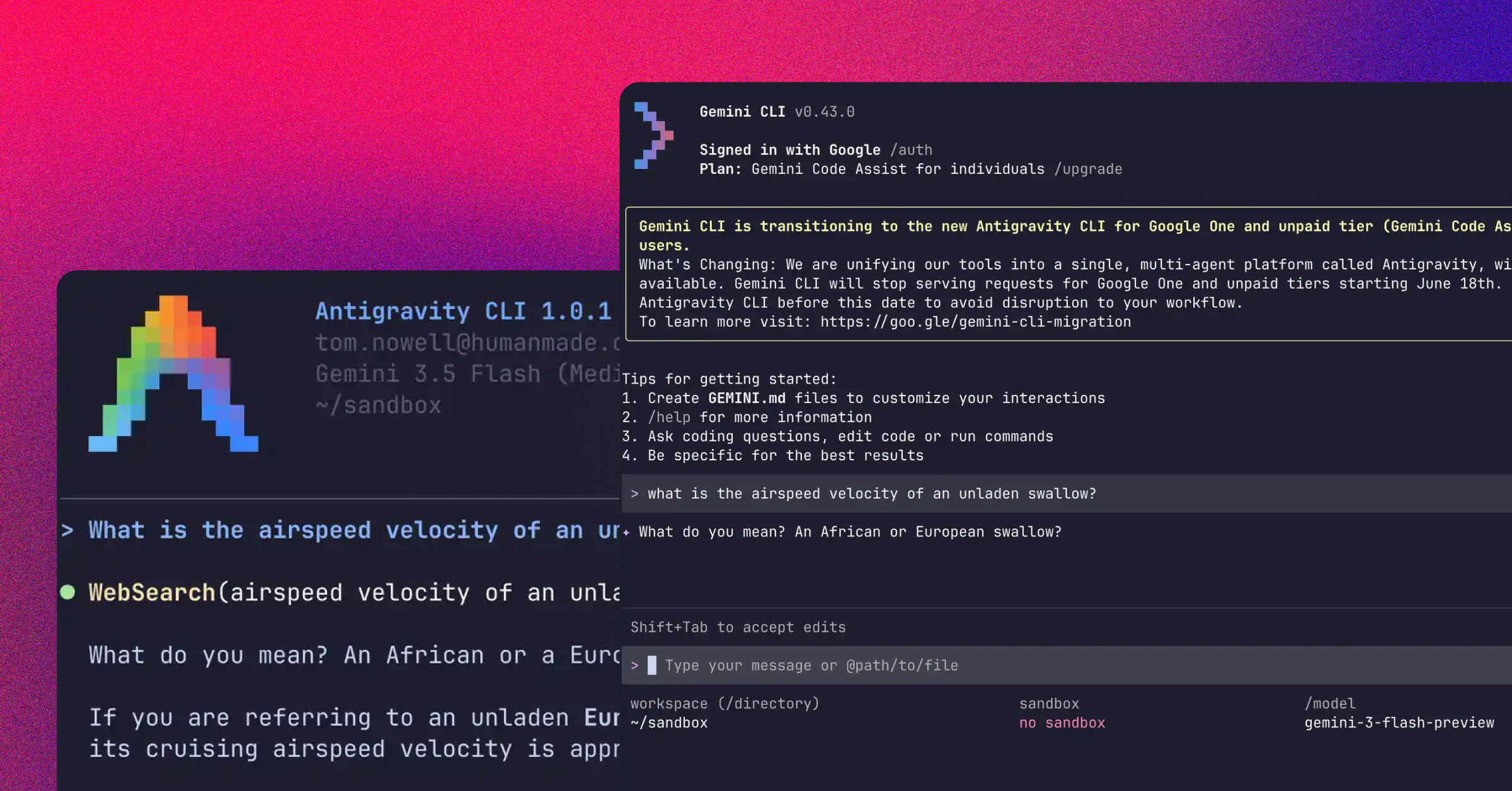
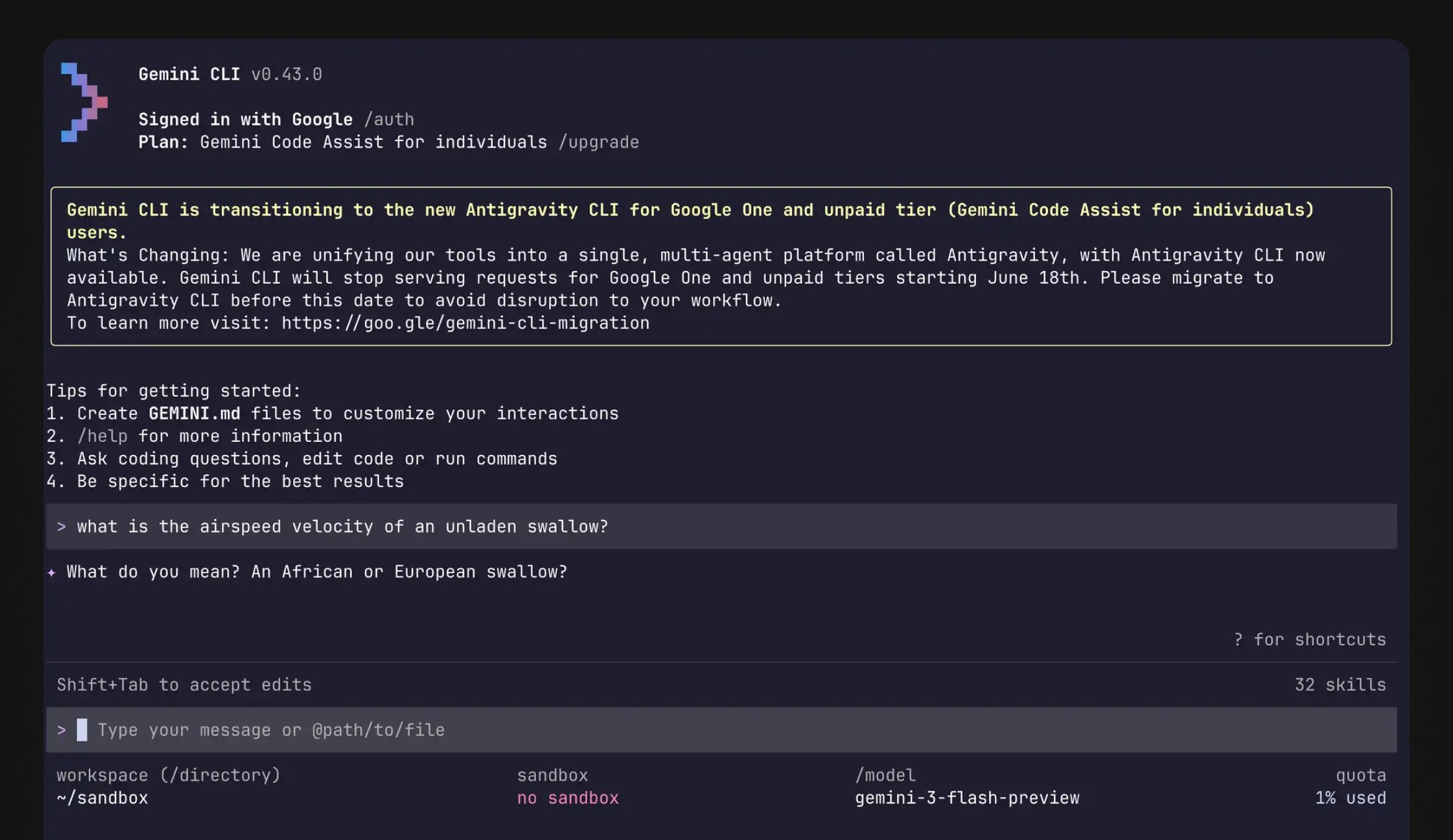
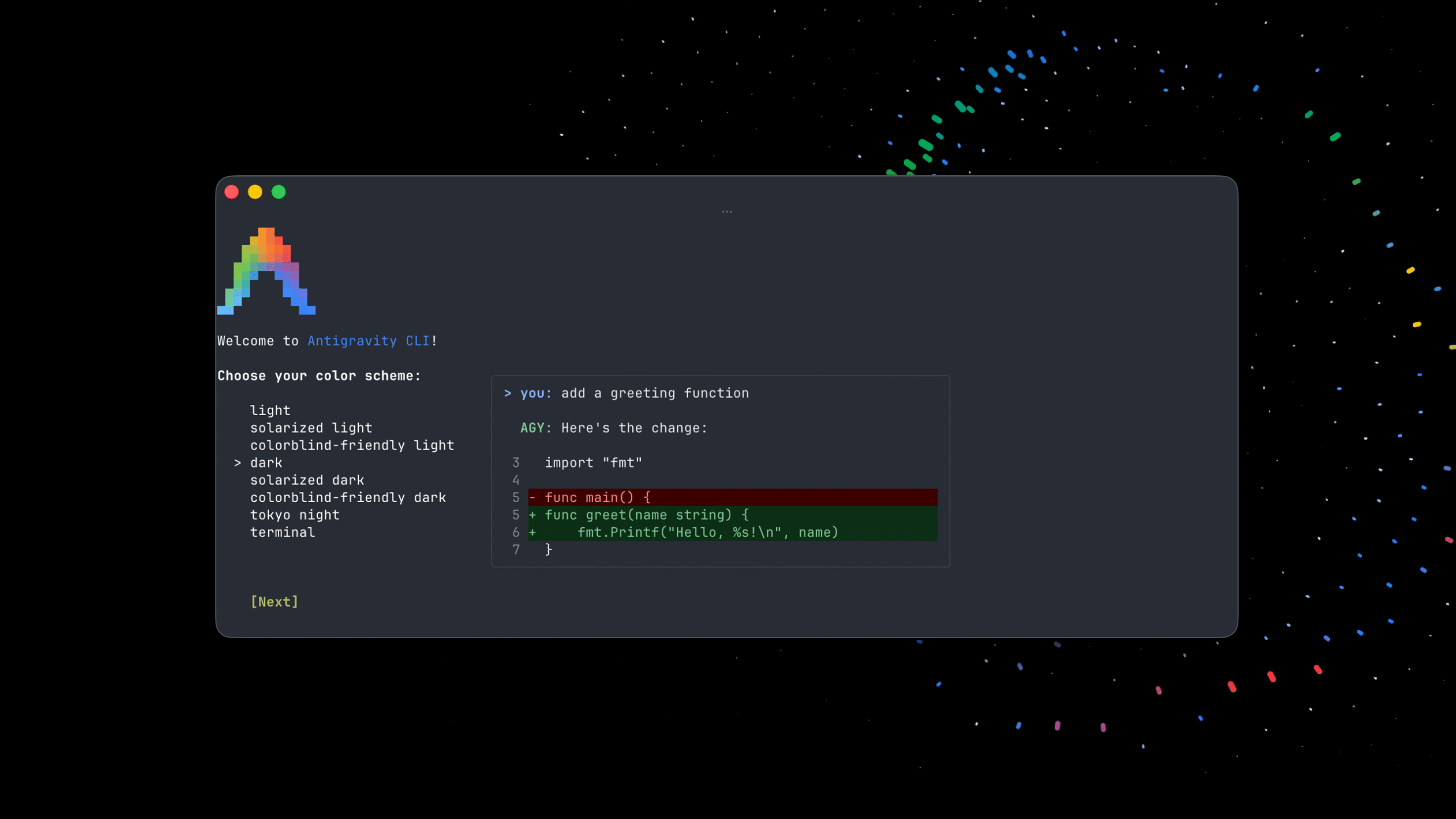
Google’s replacement for Gemini CLI, announced at Google I/O 2026. It gives developers access to the Gemini ecosystem through a supported first-party coding agent.
As of early 2026, Gemini isn’t generally considered the strongest option for coding work compared with Anthropic and OpenAI, but if you already have access to Gemini it’s well worth trying.
Claude Code
Vendor: Anthropic
Model: Claude
Desktop app: Yes
Free version: No
Open source: No
The benchmark most other coding agents are compared against. Claude Code is widely used, well understood, and tightly integrated with Anthropic’s models.
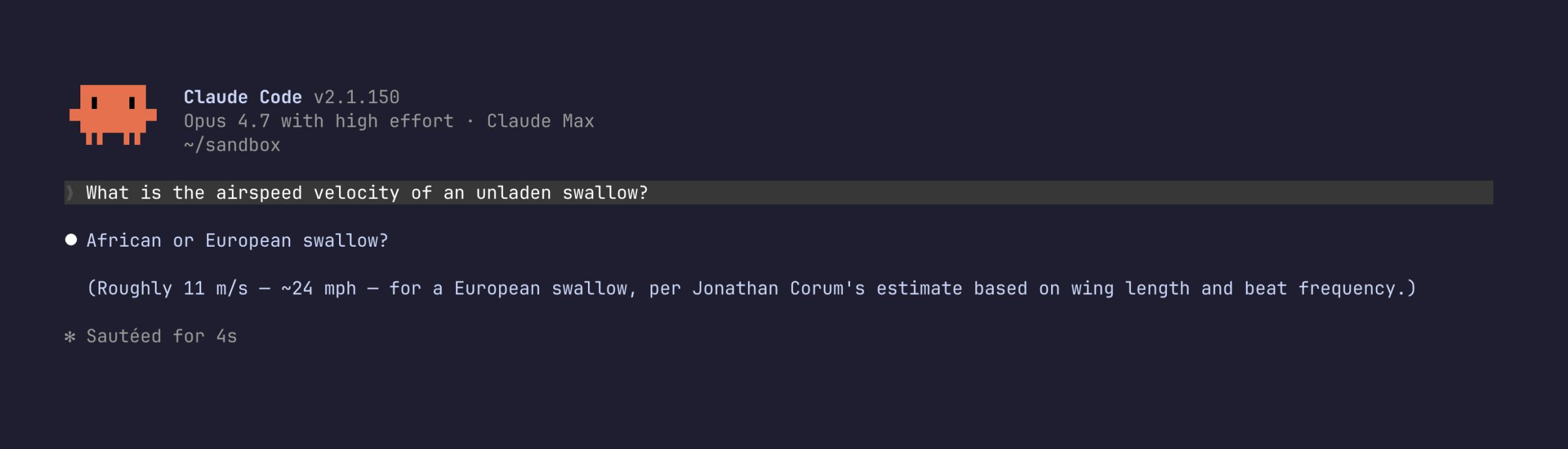
If you’re paying for a Claude Code subscription, this is the tool you should use. Trying to route that subscription through another tool could put your account at risk, so it’s generally not worth getting clever.
Codex
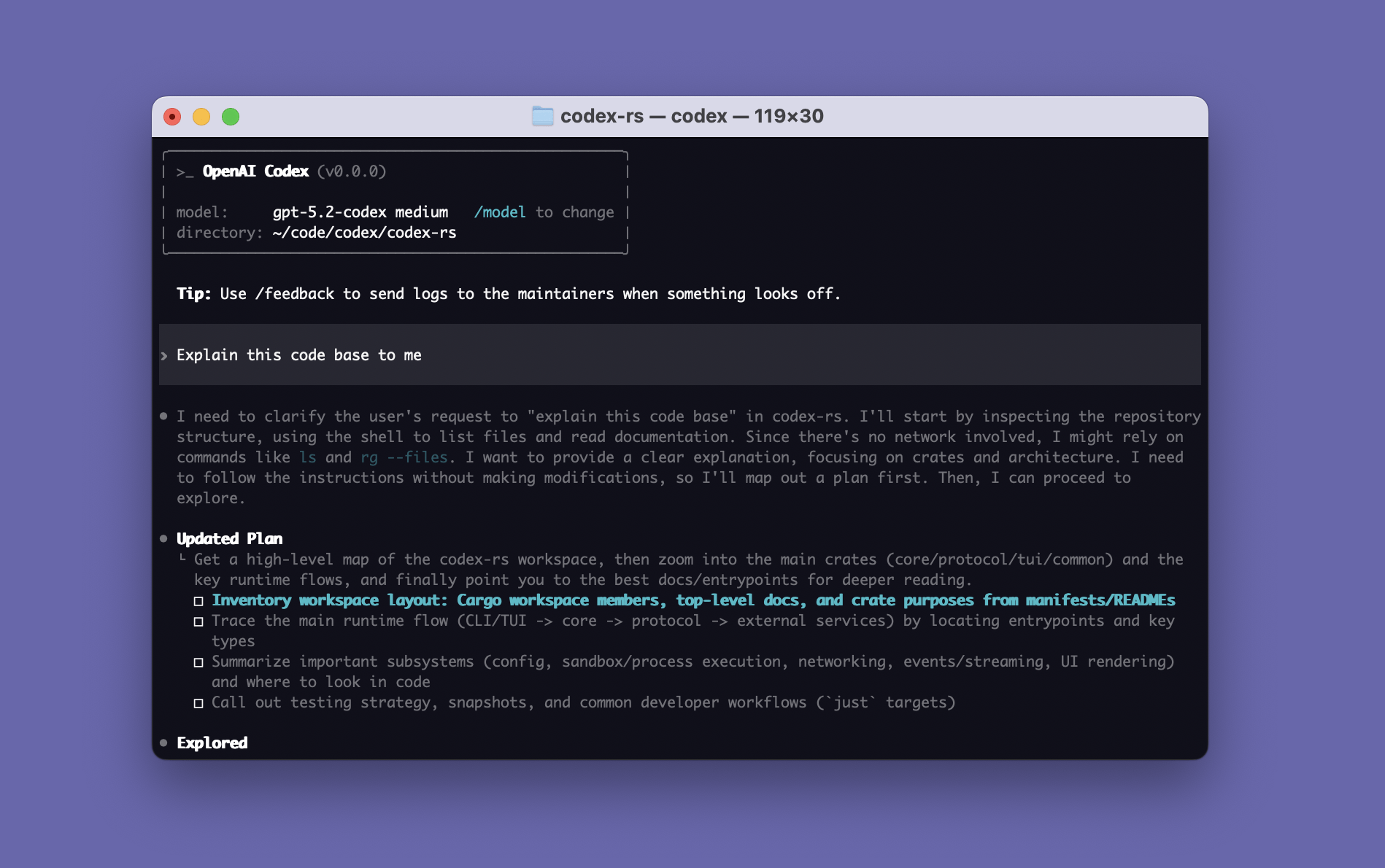
Vendor: OpenAI
Model: OpenAI
Desktop app: Yes
Free version: No
Open source: Yes
OpenAI’s answer to Claude Code. Codex has improved rapidly and is now a serious contender for developers already invested in ChatGPT or OpenAI’s wider ecosystem.
If you’re already using OpenAI models heavily, Codex is one of the most obvious alternatives to Claude Code.
Grok Build
Vendor: xAI
Model: Grok
Desktop app: VS Code and supported IDEs
Free version: No
Open source: No
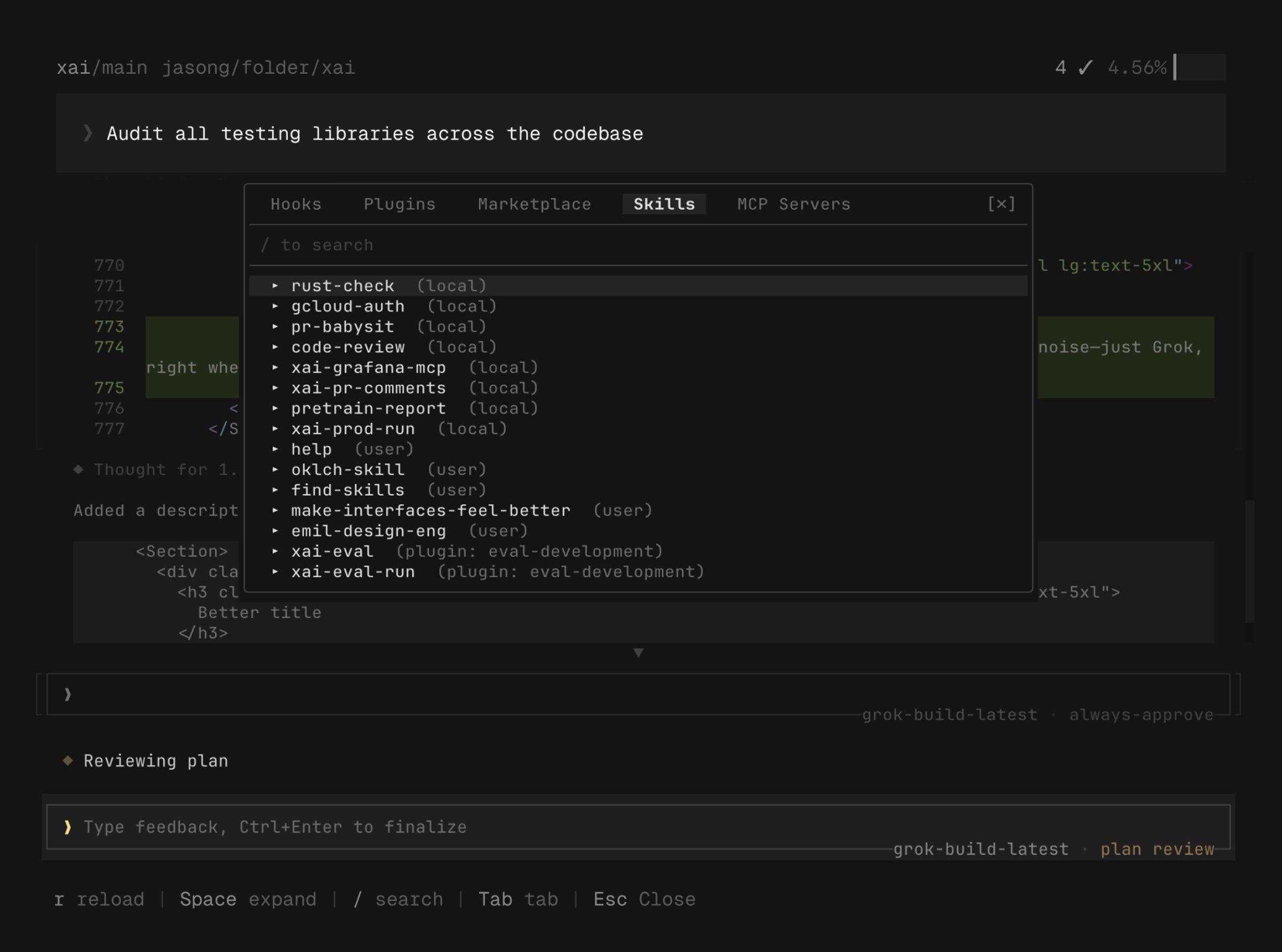
xAI’s coding agent is still relatively early. Access currently depends on higher-tier Grok plans, and the tooling isn’t yet as established as Claude Code or Codex.
Teams evaluating Grok should think carefully about governance, neutrality, and whether the model’s behaviour aligns with their organisation’s requirements.
Open source agents
This is where things start to get interesting.
Open source agents support multiple providers, local models, and highly customised workflows. The trade-off is that you’re often responsible for more of the setup and configuration yourself.
Opencode
Vendor: Open source
Model: Multiple providers
Desktop app: No
Free version: Yes
Open source: Yes
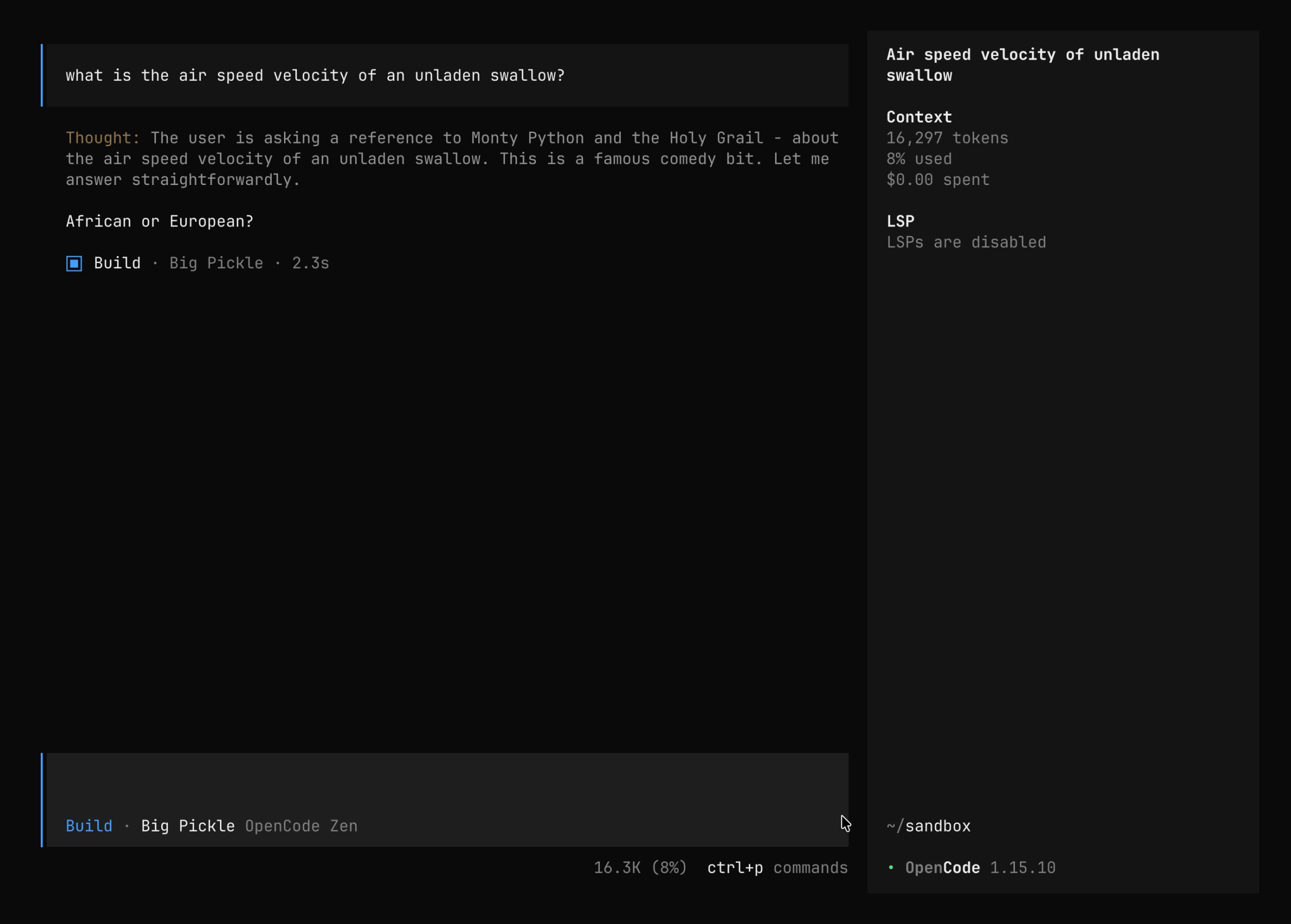
One of the strongest open source alternatives to Claude Code. Opencode supports Claude, OpenAI, local models and more through API access rather than through Claude Code or ChatGPT subscriptions.
If you’re paying by API and want flexibility across providers, this is one of the first tools I’d look at.
Pi
Vendor: Open source
Model: Bring your own provider
Desktop app: No
Free version: No built-in free model offering
Open source: Yes
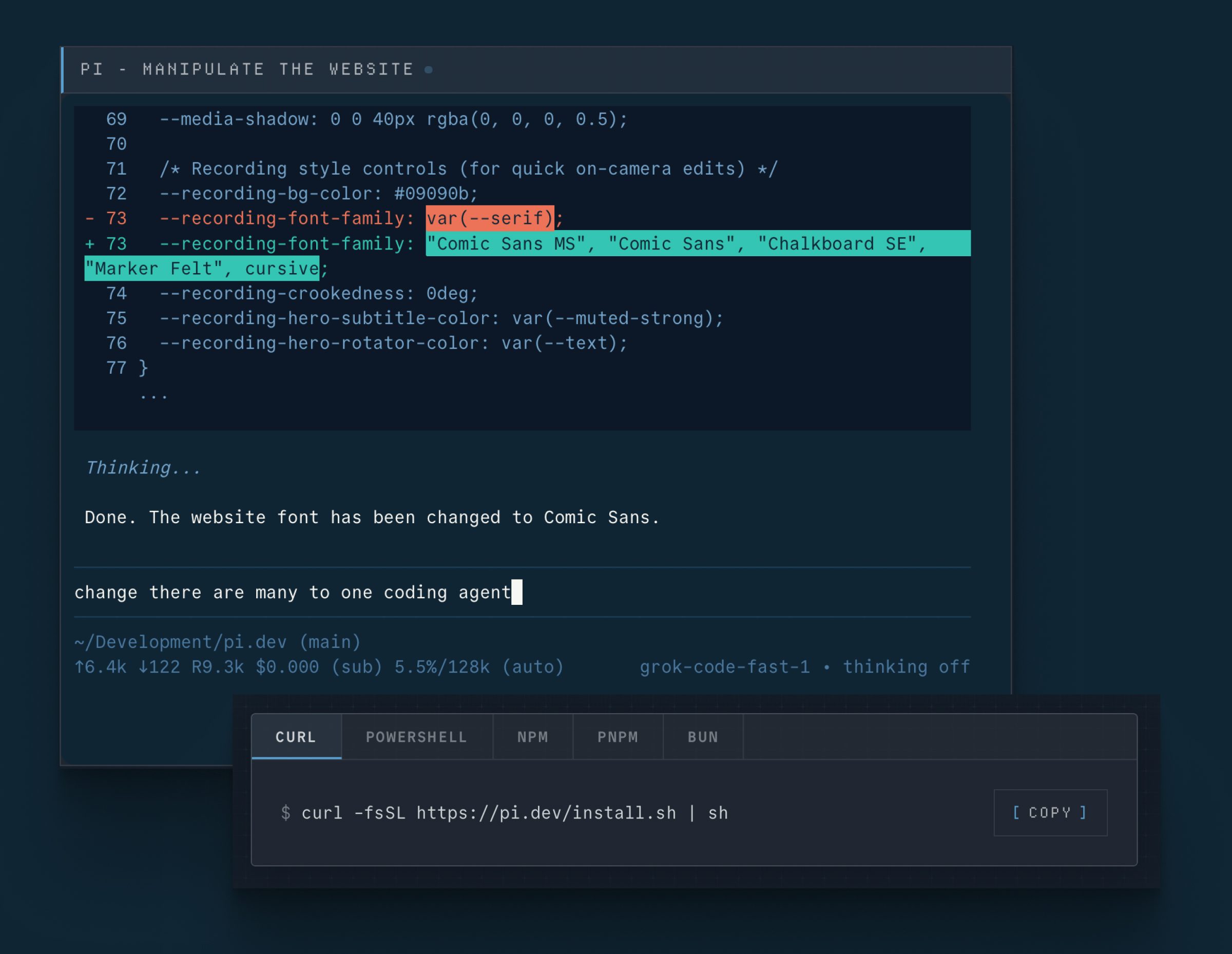
A minimal, highly configurable coding agent that expects you to bring your own AI provider and build your own workflow.
Great if you enjoy building your own setup. Less great if you just want something that works.
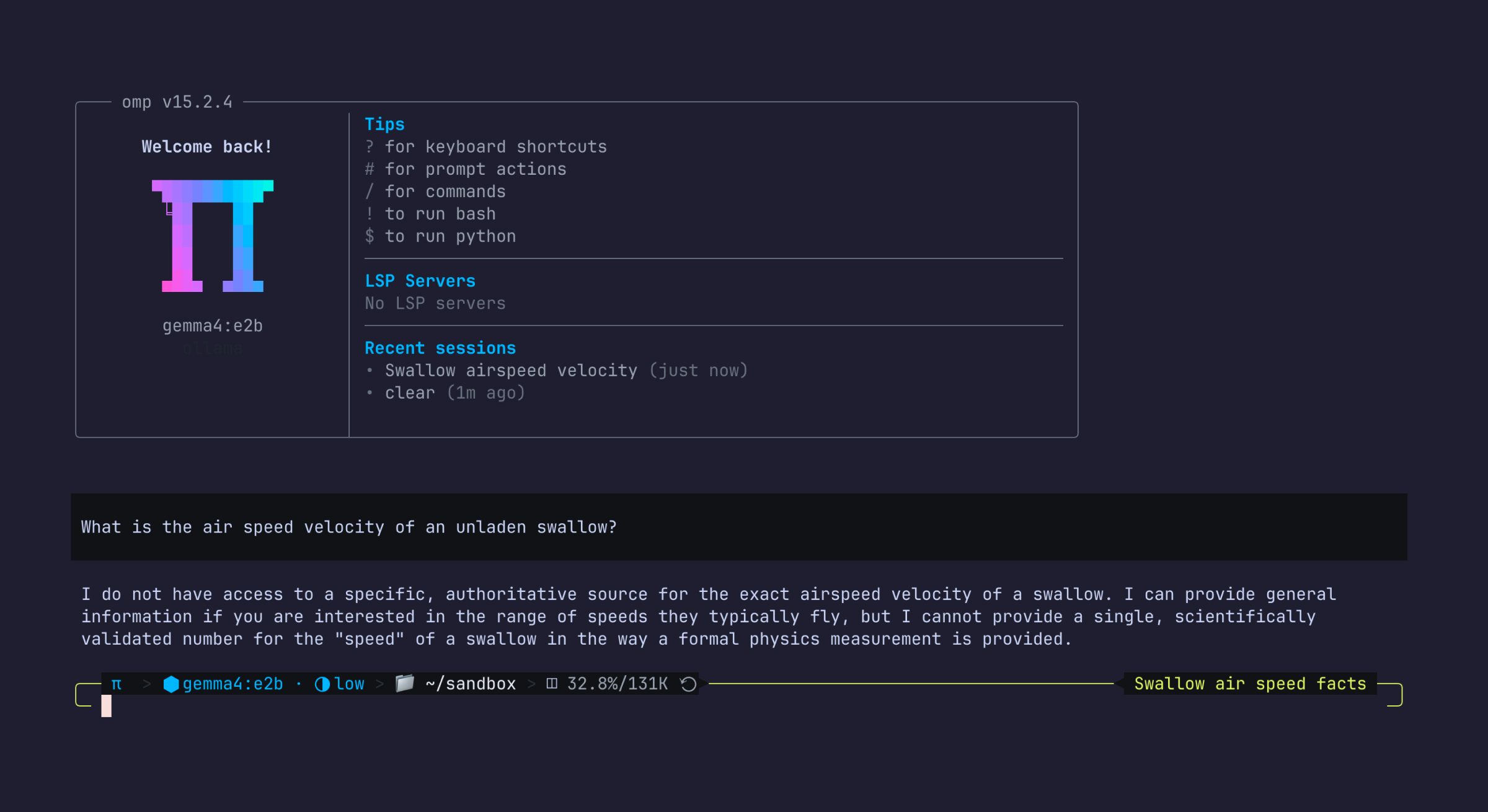
Oh My Pi
Vendor: Open source
Model: Bring your own provider
Desktop app: No
Free version: No built-in free model offering
Open source: Yes
Think of this as Pi with the hard work already done for you.
It provides a preconfigured setup with many of the plugins and features people would otherwise install themselves.
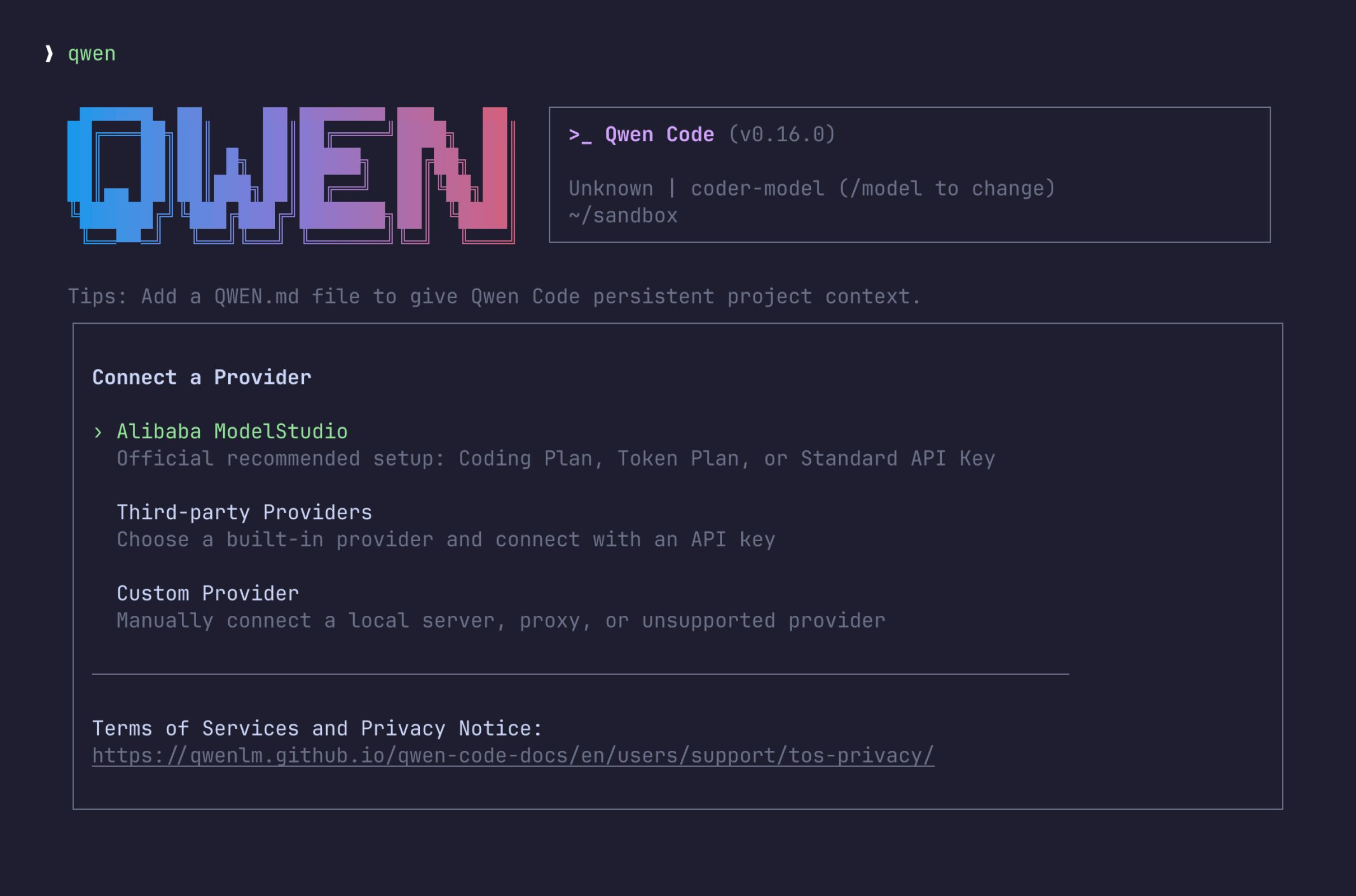
Qwen Code
Vendor: Qwen
Model: Qwen
Desktop app: VS Code
Free version: No
Open source: Yes
A Qwen-focused coding agent built on Gemini CLI foundations.
Qwen’s open models have improved dramatically over the last year, especially for teams interested in local or lower-cost workflows. As of early 2026, though, the strongest Anthropic and OpenAI models still tend to perform better on complex engineering tasks.
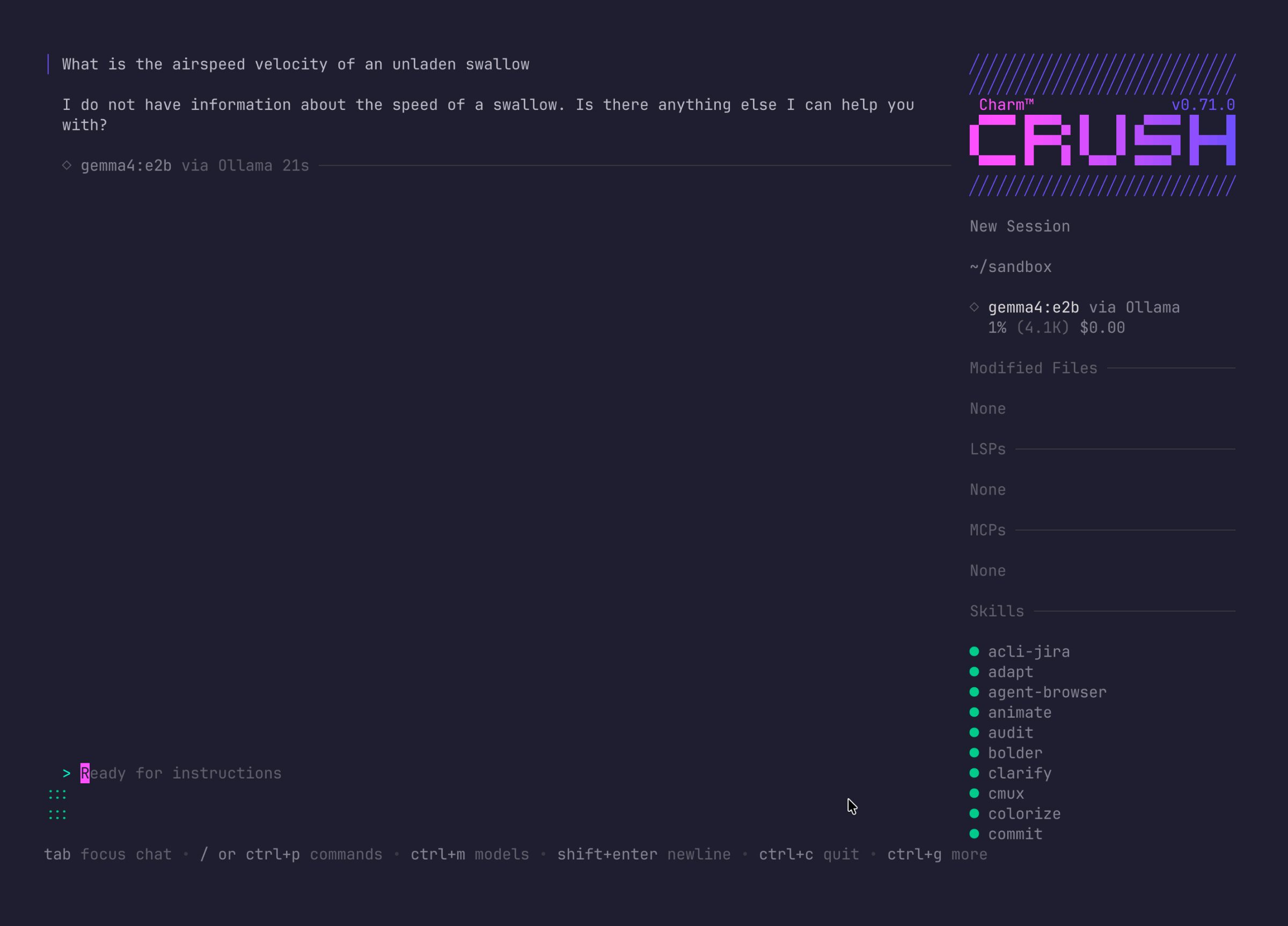
Crush Charm
Vendor: Charm
Model: Bring your own provider
Desktop app: No
Free version: No built-in free model offering
Open source: Yes
Charm has built a reputation for creating beautiful terminal software, and Crush brings that same attention to detail to coding agents.
Setup can take a little more effort than some alternatives, but the experience feels polished and responsive once you’re up and running.

Kilo
Vendor: Kilo
Model: Multiple providers
Desktop app: VS Code, PHPStorm and others
Free version: Yes
Open source: Yes
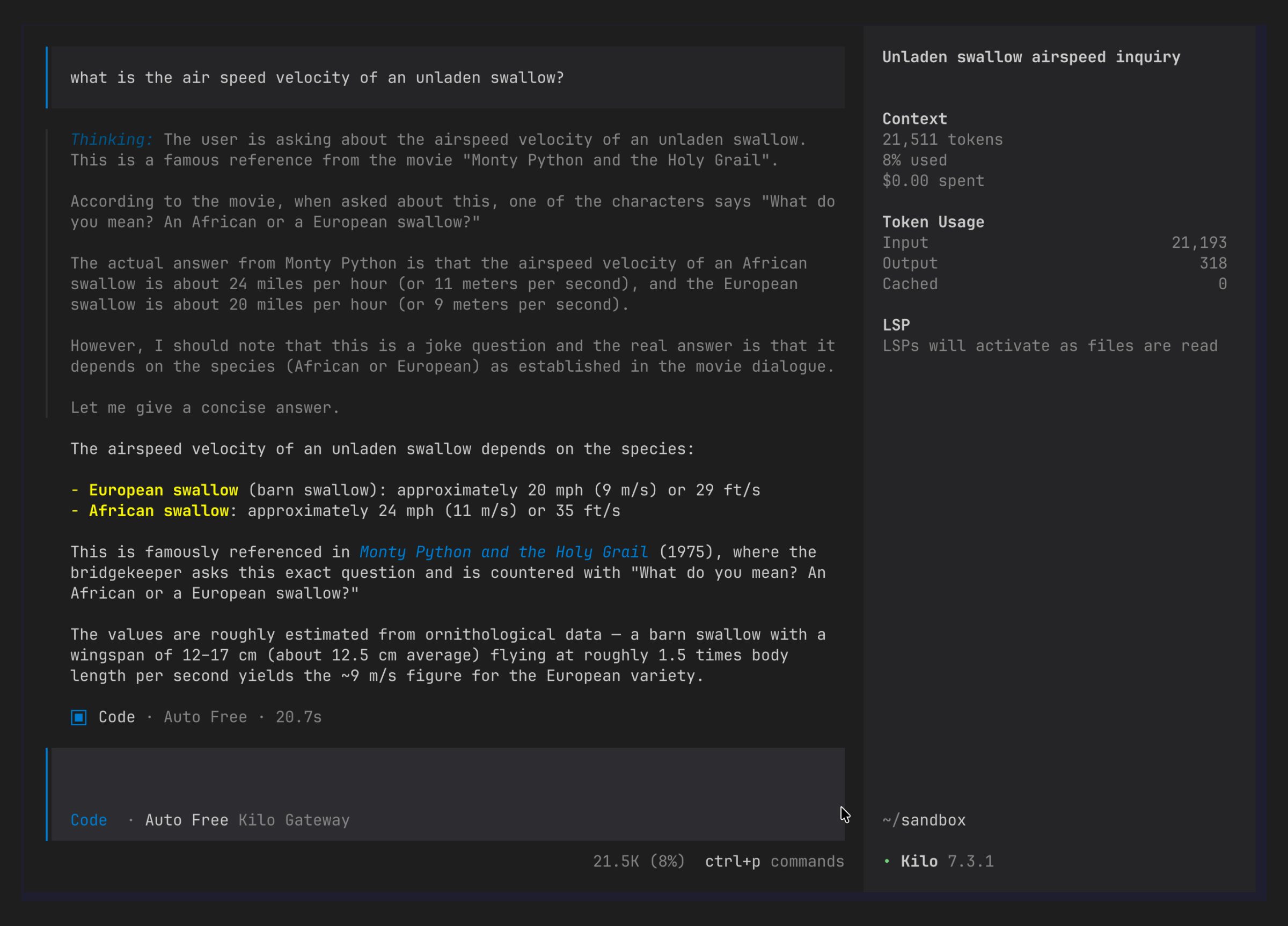
A fork of Opencode with deeper integrations into the Kilo ecosystem.
Like Opencode, it supports multiple providers through API access and gives developers a lot of flexibility. Kilo’s focus on integrations and enterprise readiness makes it particularly interesting for larger teams.
Agent platforms and ecosystems
These tools sit somewhere between terminal agents, IDE integrations, and broader developer platforms. They’re included here because they all offer CLI coding-agent workflows, even if they’re better known for graphical products.
Cursor
Vendor: Cursor
Model: Proprietary and third-party models
Desktop app: Yes
Free version: Yes
Open source: No
Most developers know Cursor because of its editor, but its ecosystem now extends beyond that.

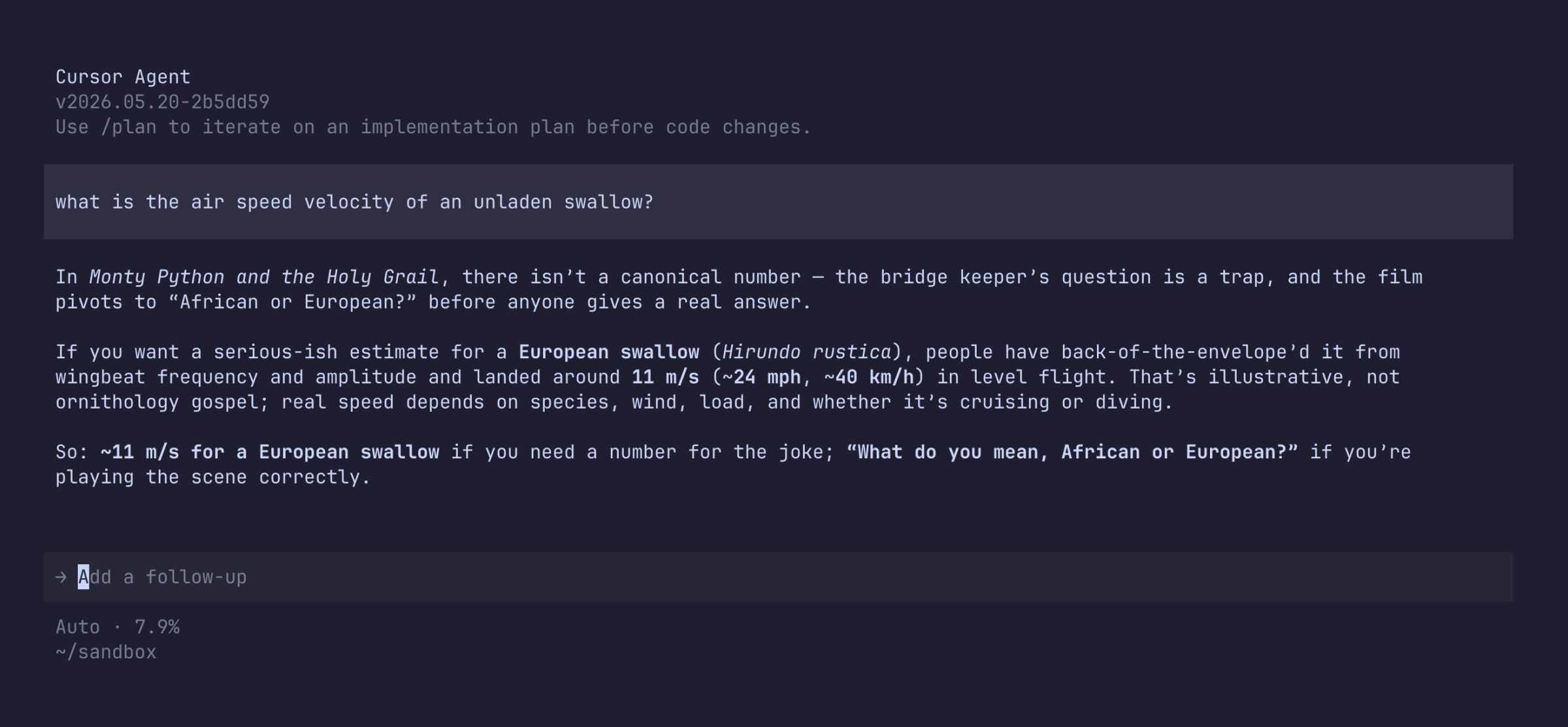
If you’re already using Cursor day-to-day, its agent tooling is an obvious extension of that workflow.
GitHub Copilot
Vendor: GitHub
Model: Multiple providers
Desktop app: VS Code and supported IDEs
Free version: Yes
Open source: Source available
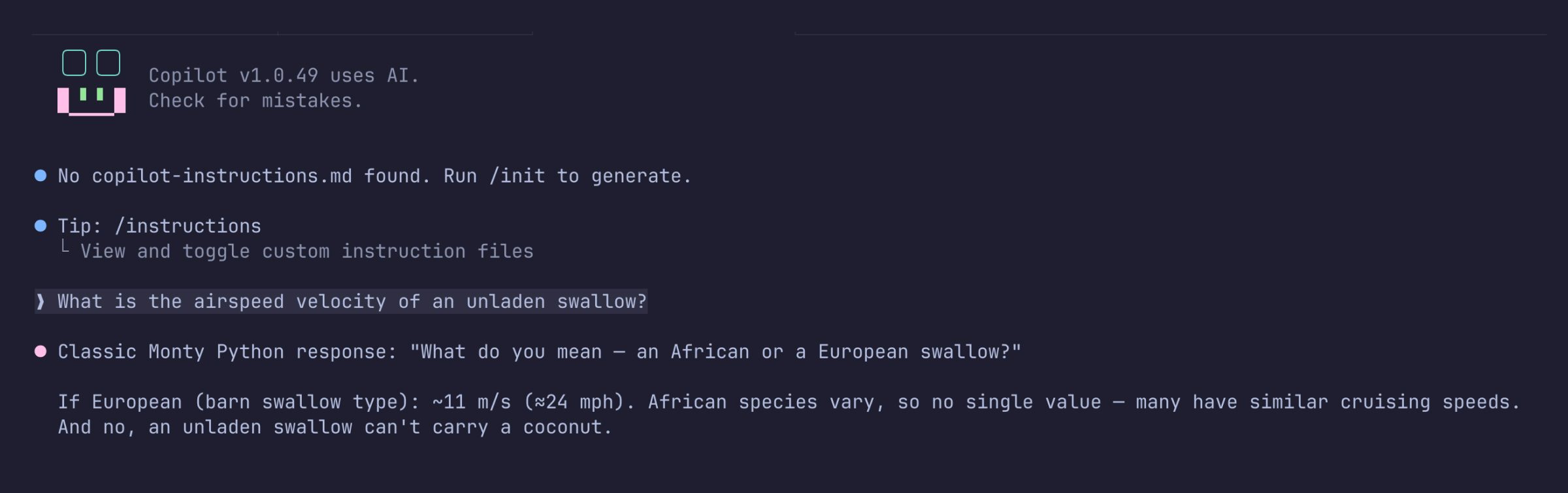
Copilot has evolved a long way from autocomplete.
GitHub’s biggest advantage is reach. Millions of developers already use GitHub every day, making Copilot one of the easiest tools to adopt across an organisation.
Cline
Vendor: Cline
Model: Multiple providers
Desktop app: VS Code and supported IDEs
Free version: Yes
Open source: Yes
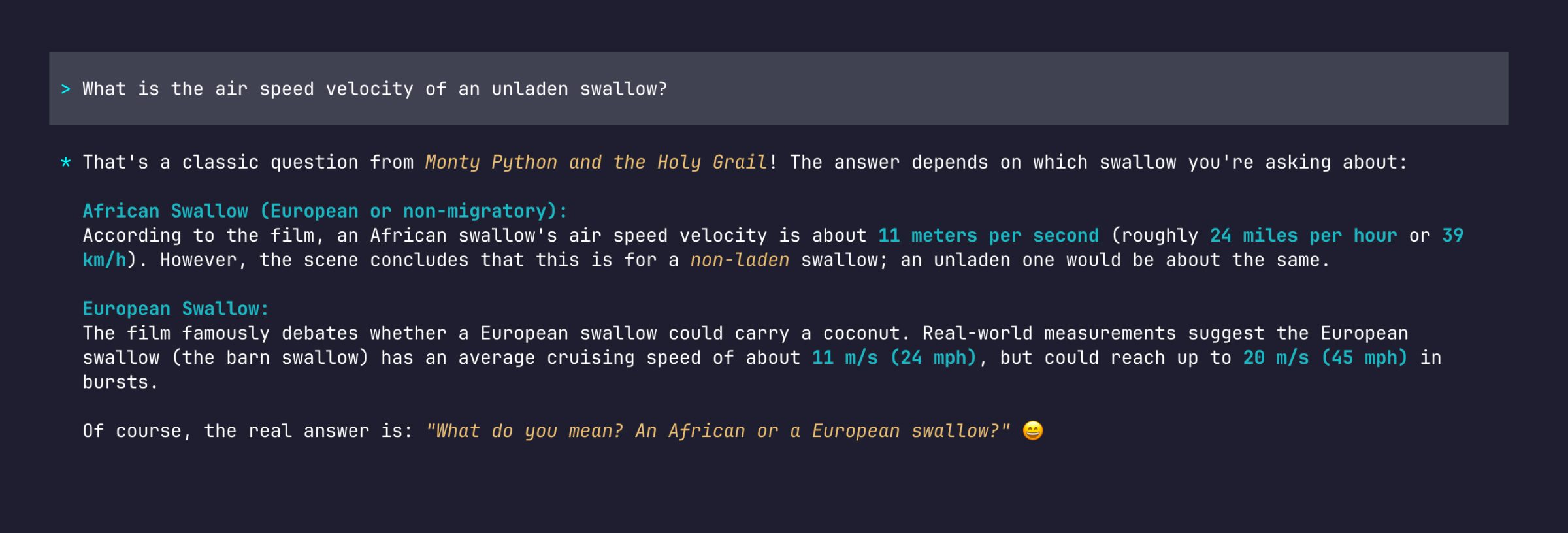
Cline started life as a Claude-focused tool but has grown into a broader agent platform.
One of its more interesting features is the ability to manage work visually, including Kanban-style workflows, while still supporting coding-agent behaviour underneath.
Platform-specific agents
Some agents are built around a specific ecosystem rather than trying to be general-purpose development tools.
Atlassian Rovo
Vendor: Atlassian
Model: Claude and OpenAI
Desktop app: Jira
Free version: Yes
Open source: No
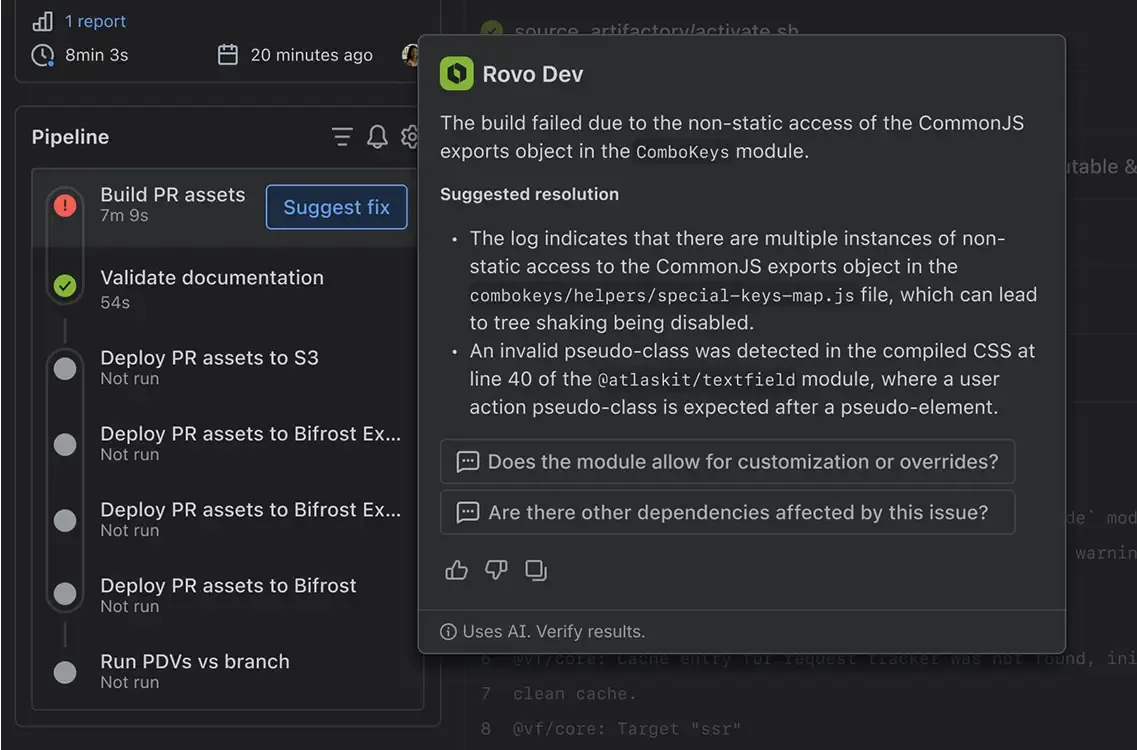
Rovo brings coding-agent functionality into the Atlassian ecosystem.
If your team already lives in Jira and Confluence, that context can be valuable. It’s less about being the best standalone coding agent and more about bringing AI directly into existing delivery workflows.
WordPress Studio
Vendor: Automattic
Model: Claude
Desktop app: No
Free version: Yes
Open source: Yes
A WordPress-focused coding agent available through WordPress Studio.
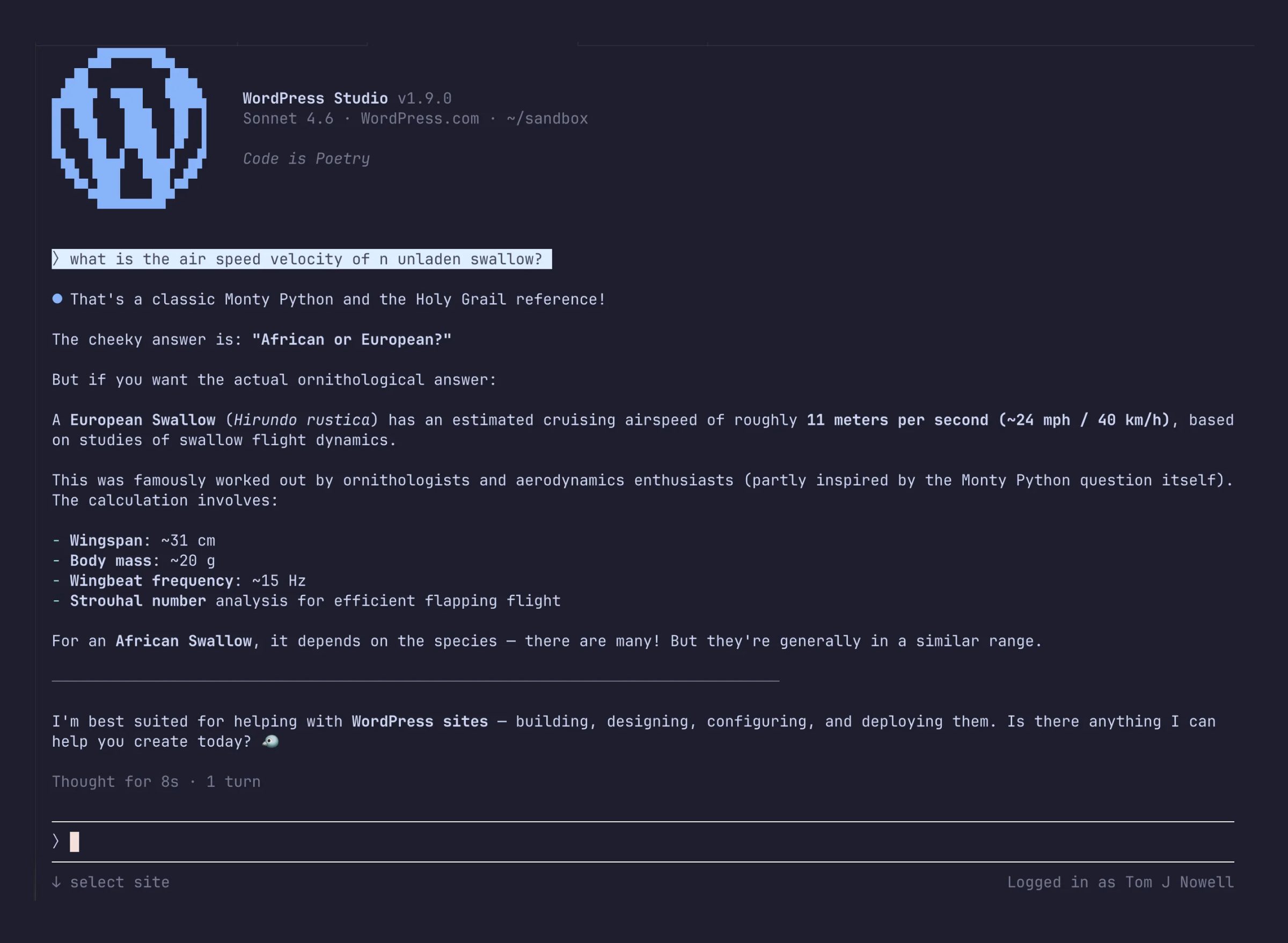
It’s still rough around the edges, but it’s interesting because it points towards a future where coding agents are deeply aware of the platforms they’re working with.
Notable mentions
Apple Intelligence and Apfel
Apple Silicon users already have access to a lightweight local AI model through Apple Intelligence, and tools such as Apfel make it possible to interact with that model directly.
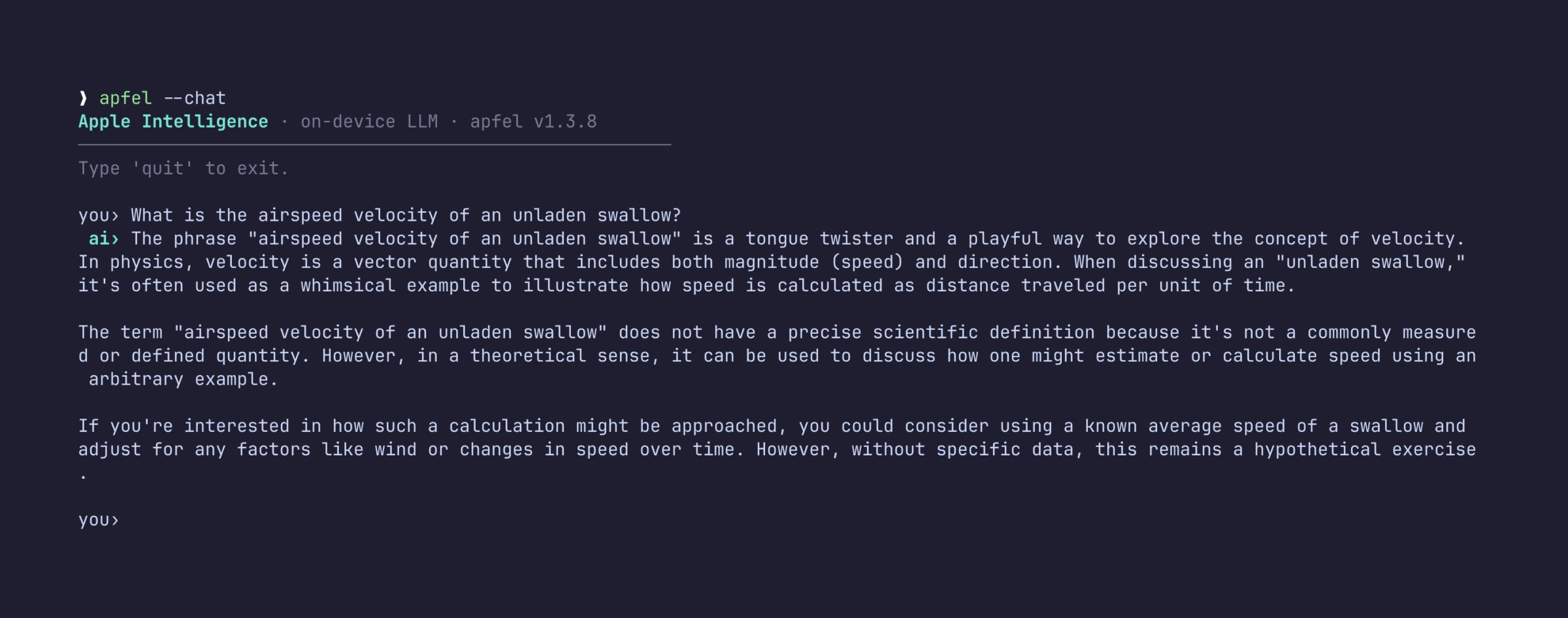
The context window is tiny compared with modern frontier models, so don’t expect it to tackle large software engineering tasks any time soon.
Ollama and local models
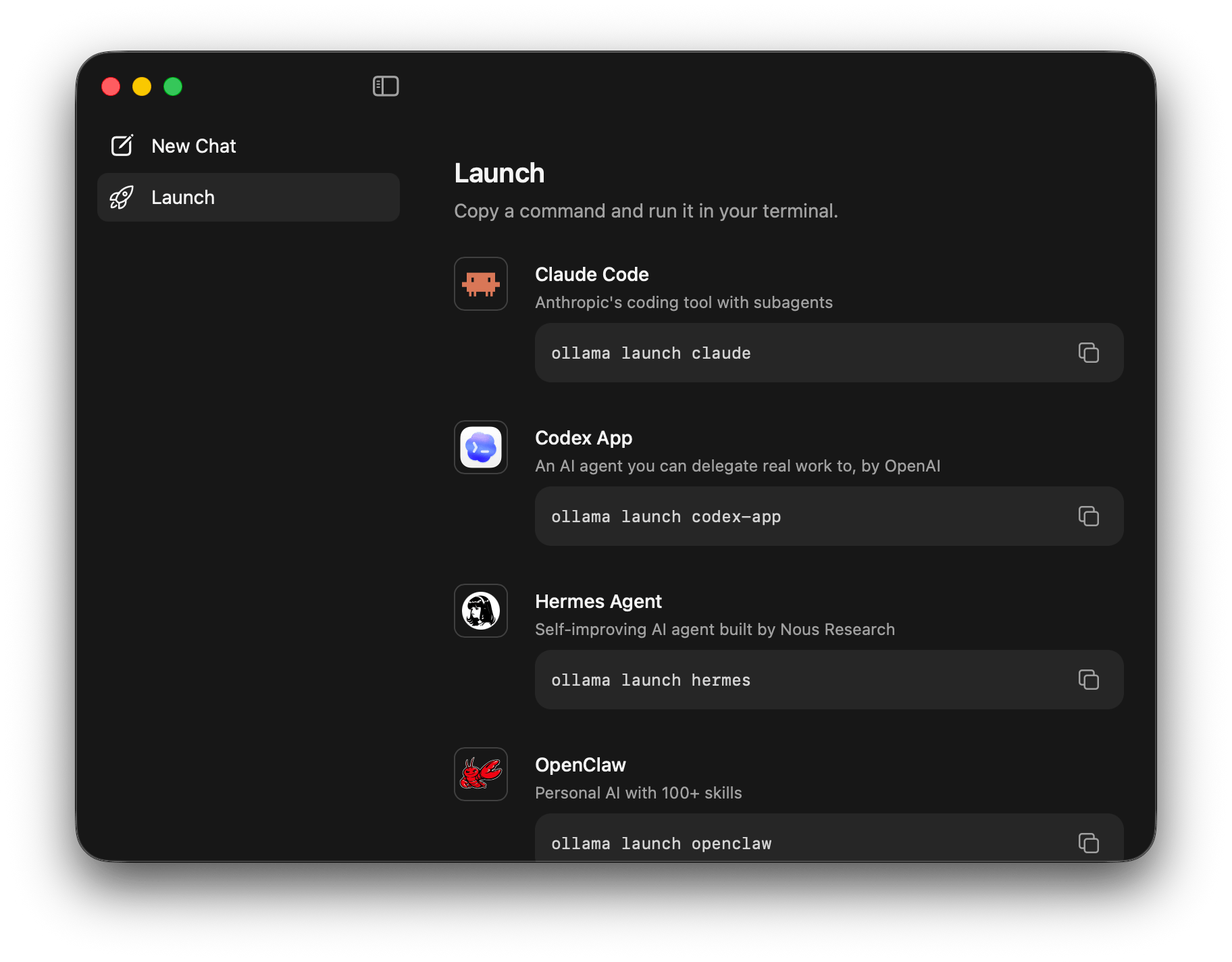
Many coding agents can connect to Ollama, allowing you to run models locally.
That’s attractive for privacy, security, and cost control, although local hardware remains the limiting factor. Open models are improving fast, but they’re still behind the frontier labs for complex coding work.
The agent matters less than the model
It’s easy to spend all your time comparing interfaces, but the underlying model usually matters more.
Most coding agents are wrappers around Claude, OpenAI, Gemini, Grok, Qwen, or local models. A brilliant interface wrapped around a weaker model will still struggle with complex engineering work.
Benchmarks are imperfect, but they’re useful signals. DeepSWE has attracted attention because it focuses on realistic software engineering tasks rather than narrow coding puzzles.
As of today, the broad picture is that Anthropic and OpenAI remain ahead for serious coding work. Open models have improved dramatically, but they’re still behind the frontier labs on complex engineering tasks.
That doesn’t mean open models are useless. They’re often excellent for constrained tasks, local workflows, experimentation, and teams with strict data requirements. But if your primary goal is coding performance, model choice matters more than the shell wrapped around it.
The same applies to Gemini. If you already have access to it, it’s worth exploring. If you’re spending money specifically for coding, though, the current benchmark picture suggests Anthropic and OpenAI are stronger bets.
The important thing to remember is that these rankings change fast. What looks true today may not be true six months from now.
What enterprise teams should consider
For enterprise teams, the most impressive demo isn’t always the best choice.
Before standardising on a coding agent, ask:
- Where is code sent and stored?
- Is customer or proprietary code used for training?
- Can usage be audited?
- Does the tool work with existing AI provider agreements?
- Are developers using subscriptions correctly, or trying to route them through unsupported tools?
- Can the organisation switch providers later?
- Does the workflow fit existing security and compliance requirements?
For many teams, the key decision isn’t just which agent is best. It’s whether you want to commit to a single vendor’s ecosystem or keep enough flexibility to move as the market changes.
Which terminal coding agent should you choose?
If you’re paying for a Claude Code subscription, use Claude Code.
That’s the clean, canonical answer. It’s what the subscription is for, and trying to use that subscription through other tools may create account risk.
If you’re paying through API access, the picture gets much more interesting.
Opencode, Kilo, Pi, Oh My Pi, Crush Charm and similar tools give you the freedom to switch between providers, compare models, and build workflows around your own preferences.
If you’re already paying for Gemini, try Google’s tooling, but don’t assume it’ll outperform Claude or OpenAI on coding tasks. If you’re evaluating Grok, think about governance and neutrality as well as raw capability. If you’re interested in open models, test them seriously, but be realistic about the current gap between them and the frontier labs.
There’s no single winner for every team. There are simply too many workflows, pricing models, governance requirements, and personal preferences for that.
One thing’s clear: Claude Code isn’t the only game in town anymore. The terminal coding agent landscape is bigger, stranger, faster-moving, and more competitive than ever. For developers, that’s a very good thing.