

Guide download
WordPress REST API guide
Everything you need to know about the REST API, from the people who created it.

I created the WordPress REST API to allow WordPress to meet the standards demanded by modern web users: the REST API provides powerful capabilities to deliver innovative experiences.

Ryan McCue
REST API founder & Director of Product, Altis
What is the WordPress REST API?
The WordPress REST API, created by Human Made’s Ryan McCue, facilitated a major evolution, exposing WordPress content and data as JSON via a standardised RESTful API. For the first time, data was unlocked, and an explosion in the number and complexity of WordPress integrations began.
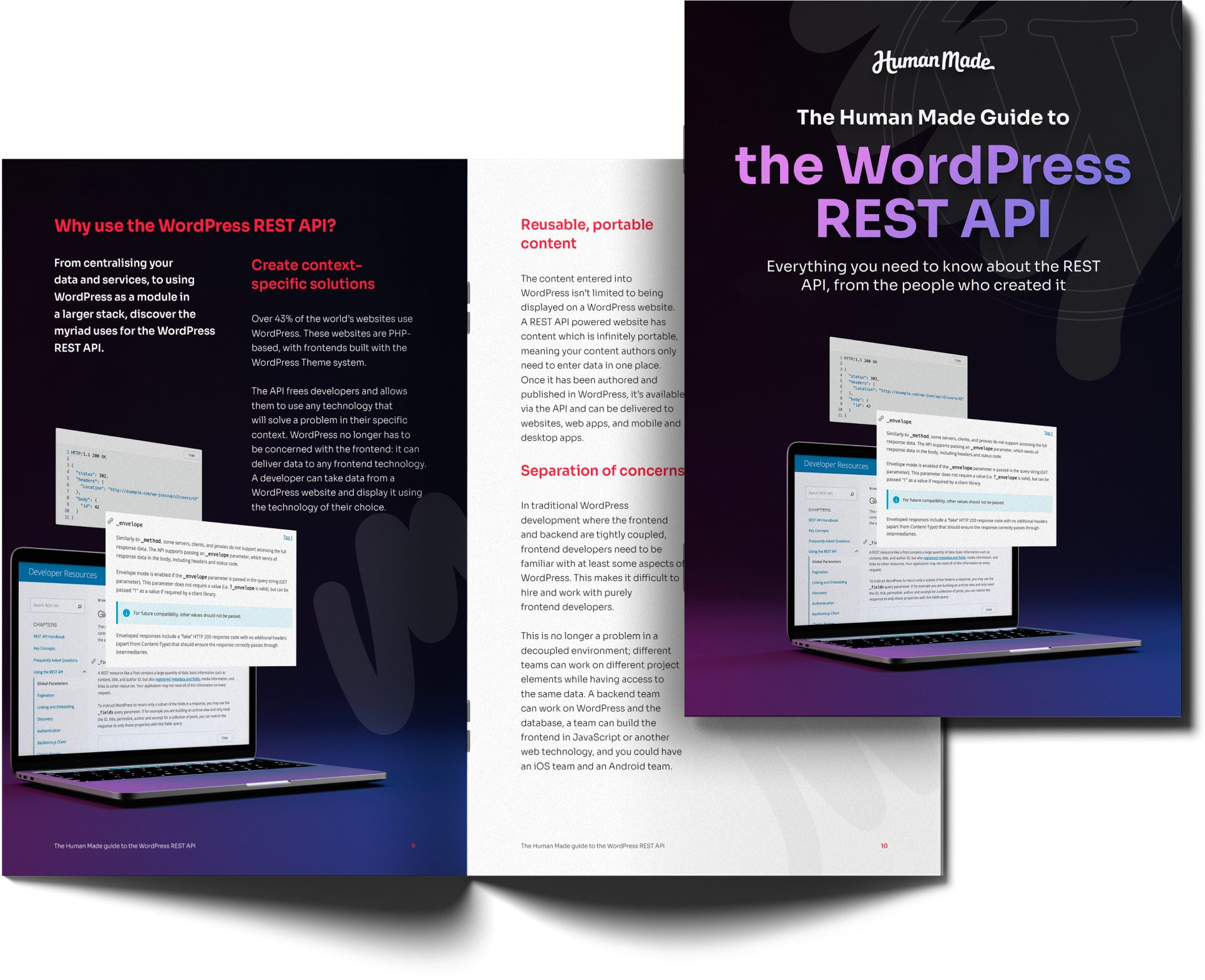
Download the guide and dive into what the WordPress REST API is, why it’s RESTful, what makes it open and why the REST API allows for a more powerful experience in:
- Using WordPress as part of a complex multi-service workflow
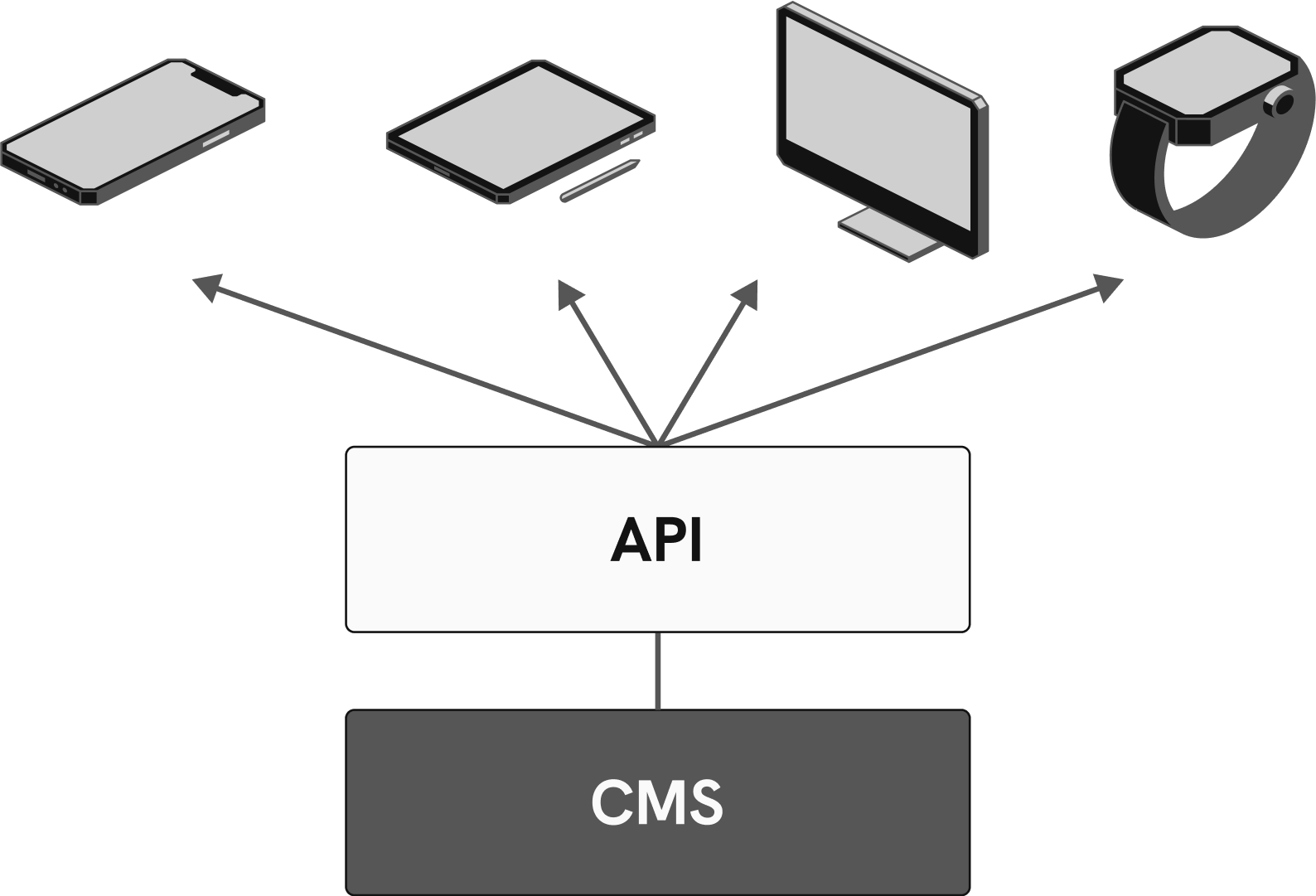
- Separating frontend delivery from the CMS
- Powering multiple frontends from the same content

Why did award-winning digital studio ustwo choose the WordPress REST API?
Creating a custom API for content delivery with a React frontend and WordPress backend sounds complex, but our experience with the REST API made it all possible.
We chose WordPress as we wanted to have an established open source CMS so that we can be confident that we’ll never be left without support or ability to change. To fulfil our design ambitions we decided to build our frontend as a single-page application, which was made possible with the WP-API.

Daniel Demmel
Fullstack Web Developer, ustwo

At Human Made, we’ve guided many organisations through the journey of evaluating, deciding, engineering, and launching complex sites using headless, decoupled, and hybrid approaches, which the WordPress REST API makes possible.
Ryan McCue
REST API founder & Director of Product, Altis
Latest and Greatest
Read our latest blog articles
Learn the latest and greatest in WordPress site building. We’re offering tutorials, tips and tricks, and video walkthroughs on our blog.
-

Security is a business capability, not a technical function

WordPress security governance covers the decisions an organisation makes about who owns its platform, who can access it, how the software it depends on stays up to date, and which third parties and AI tools connect to it. In the enterprise estates we audit, most security incidents trace back to one of those decisions. At…
-

7 Steps to Bring AI Tools Under Security Governance on WordPress
Without governance, unapproved AI tools will creep into your WordPress site over time, often through a series of small and seemingly innocuous decisions. Whether it’s an editor who wants to try a new assistant, or a developer who connects a model to the codebase, it’s natural for your team to want to adopt the tools…
-

Open Source vs Proprietary CMS Security: What Enterprise Teams Should Know
Key takeaway: In the open source vs proprietary CMS security debate, open source holds up well in the enterprise space. WordPress keeps vulnerabilities private until a fix is ready, then delivers it through automatic updates by default. With either model, how your team runs the platform is what matters most. Enterprise security teams often ask…